
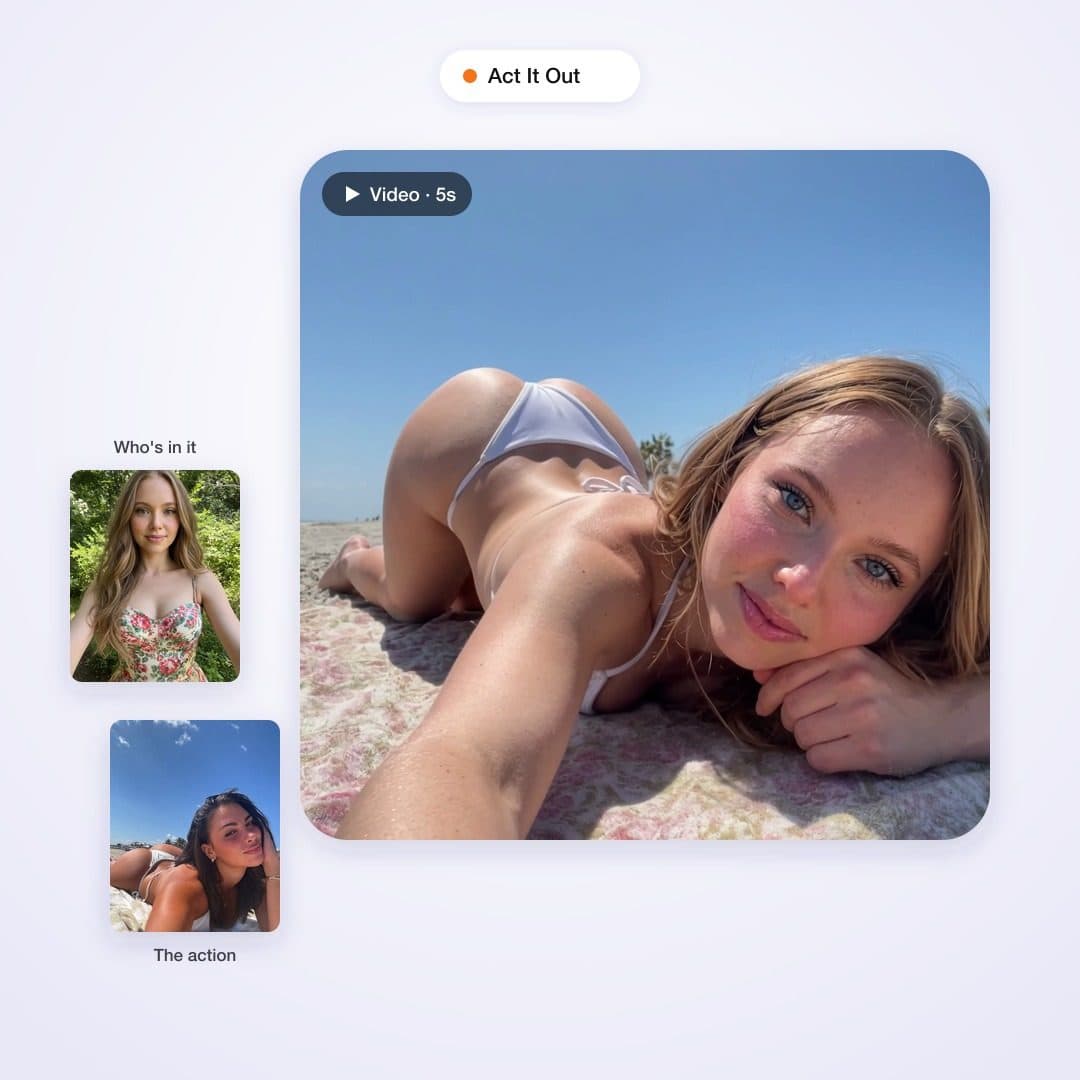
Create tool
Outfit Try-On
Upload a photo of a person and a photo of any clothing item. The outfit gets rendered onto their body — same face, same pose, same build — as a still or a short clip.
- Ready in about a minute
- No watermarks
- Private by default
Real example
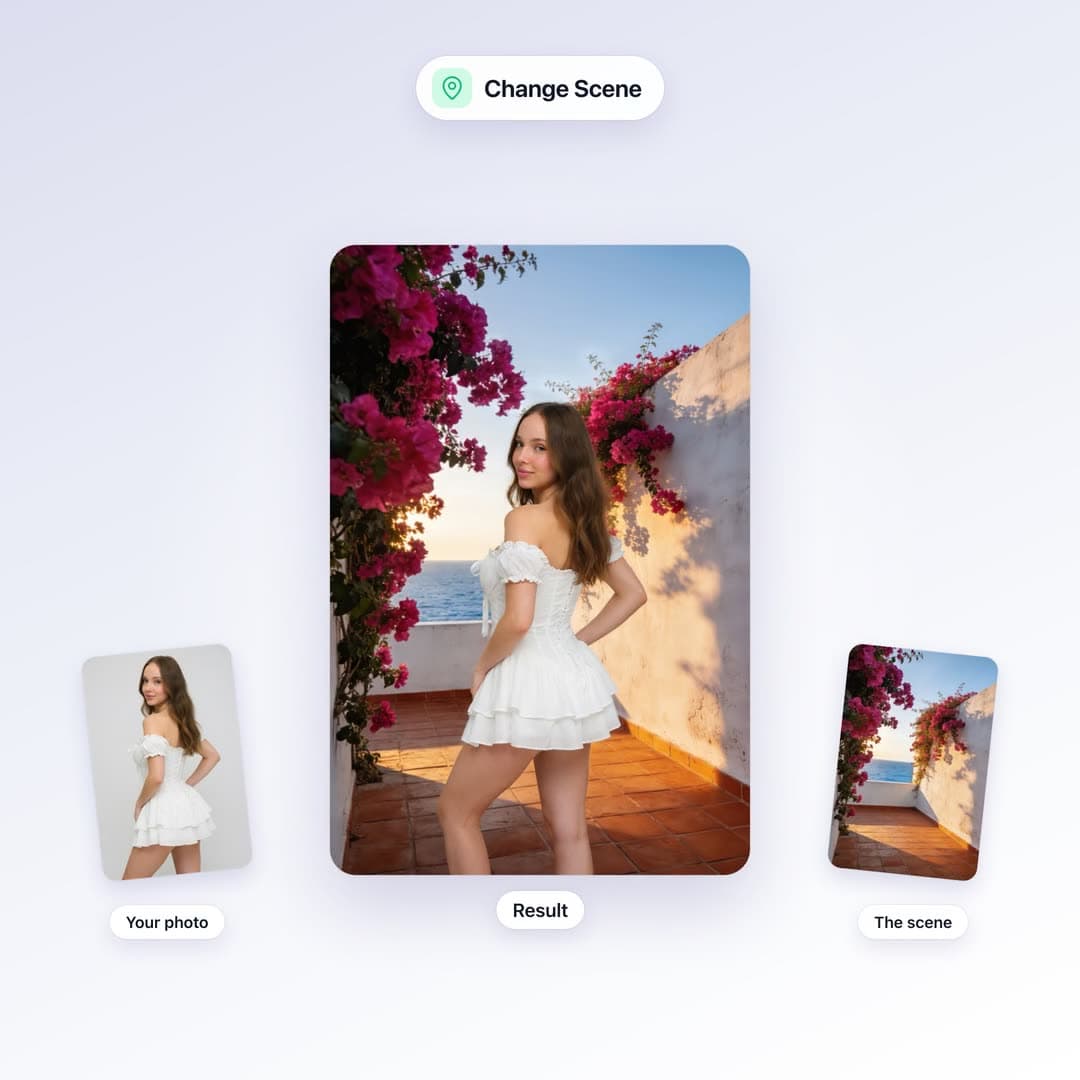
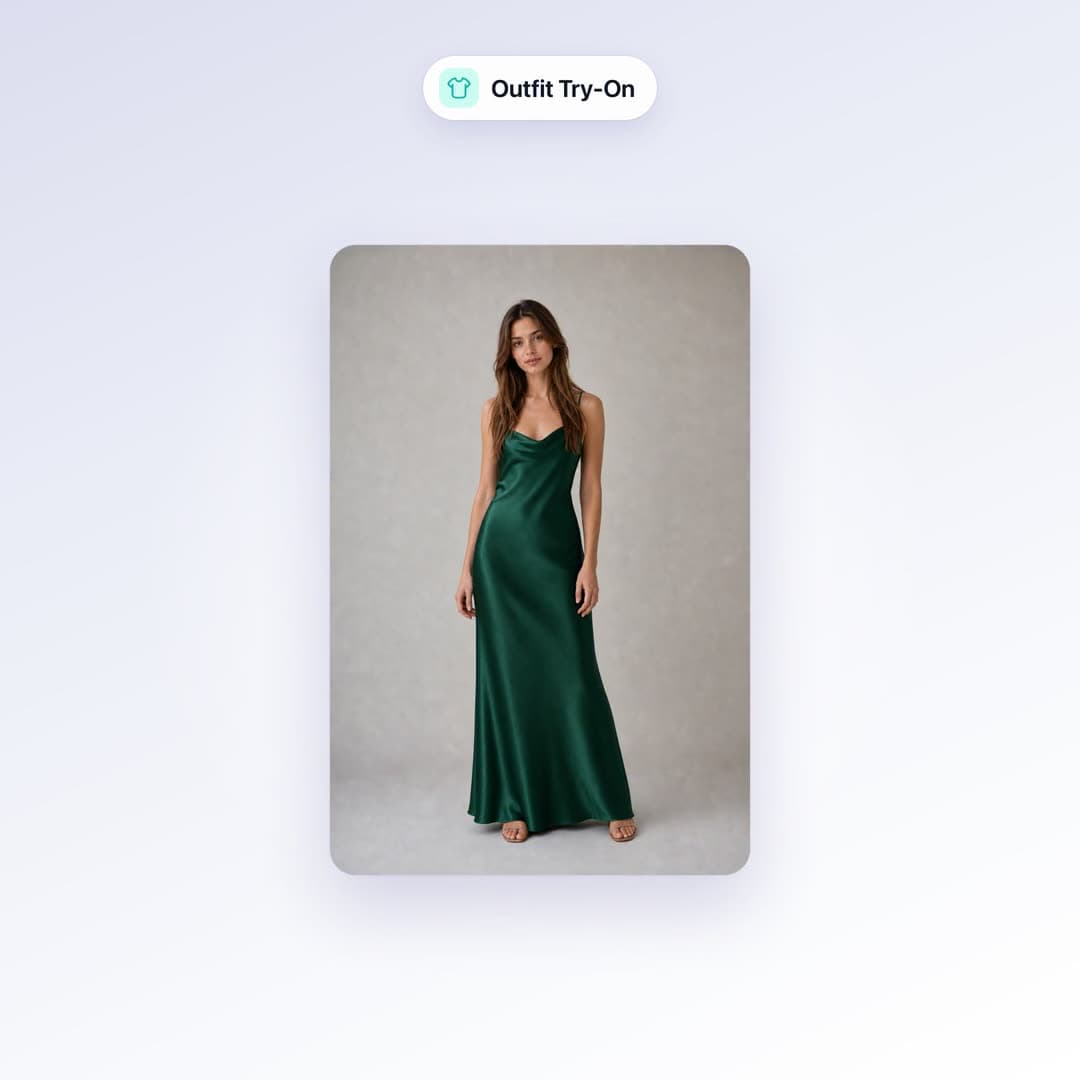
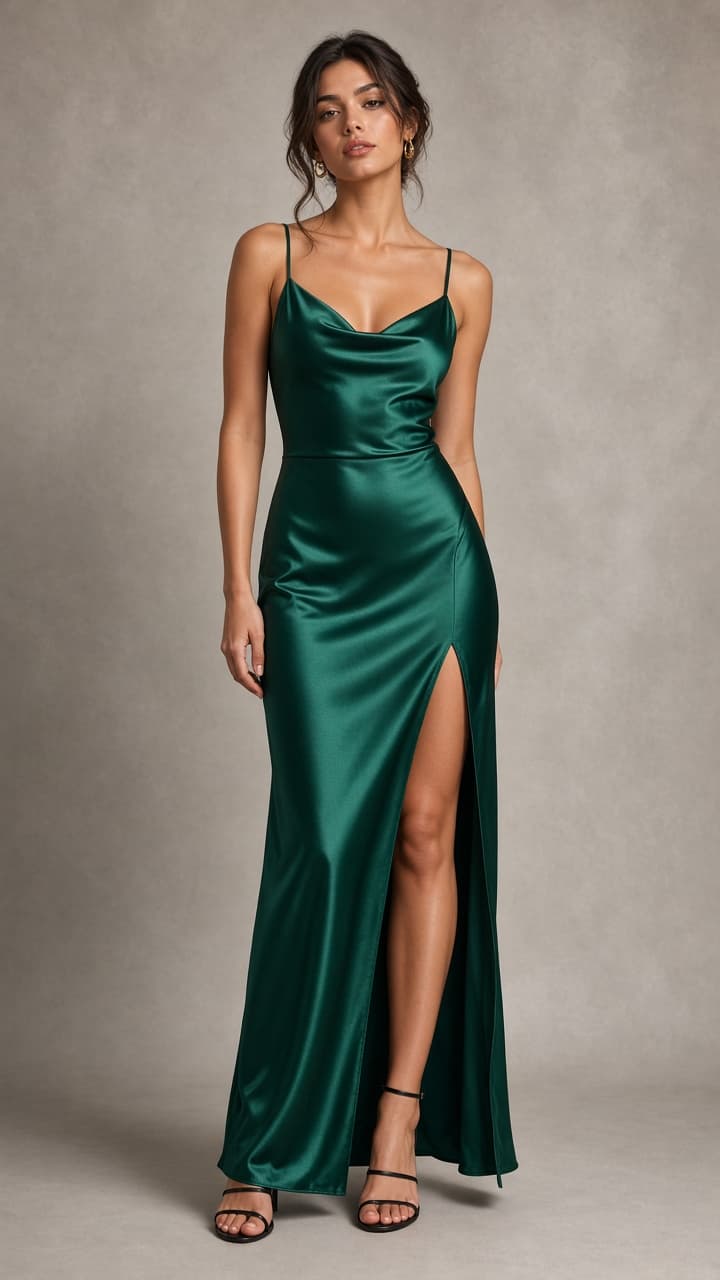
What goes in, what comes out
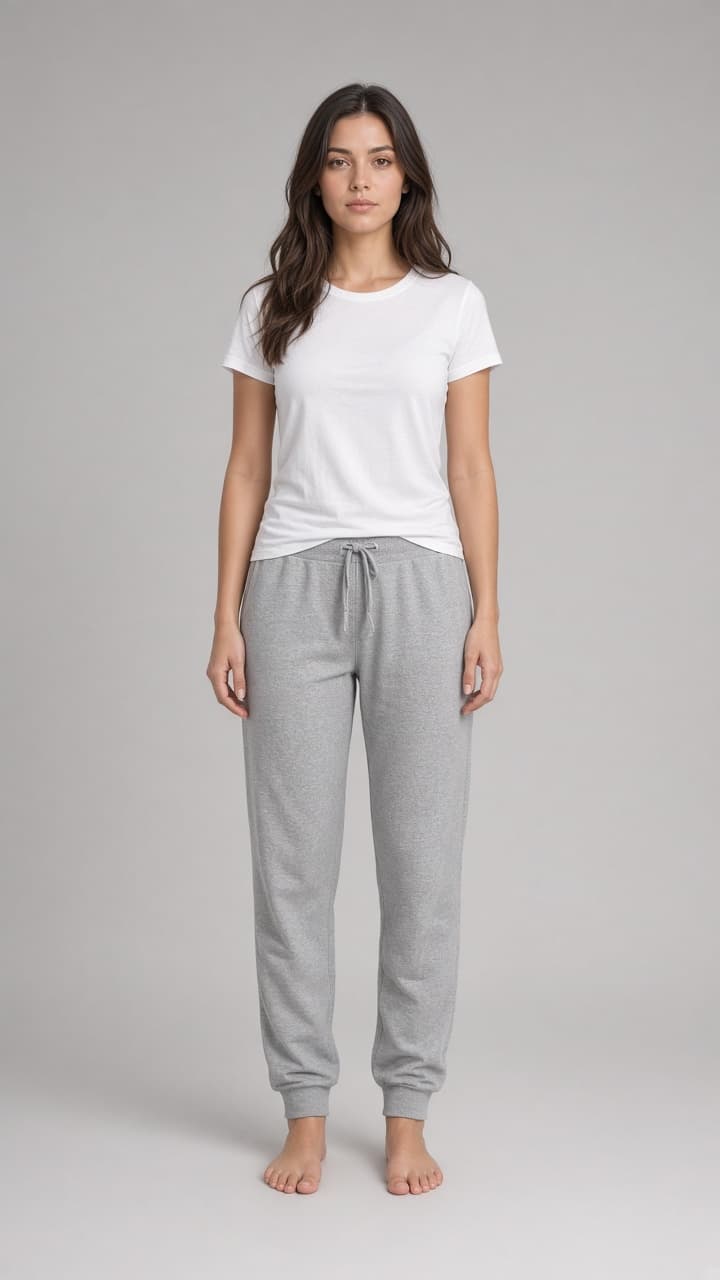
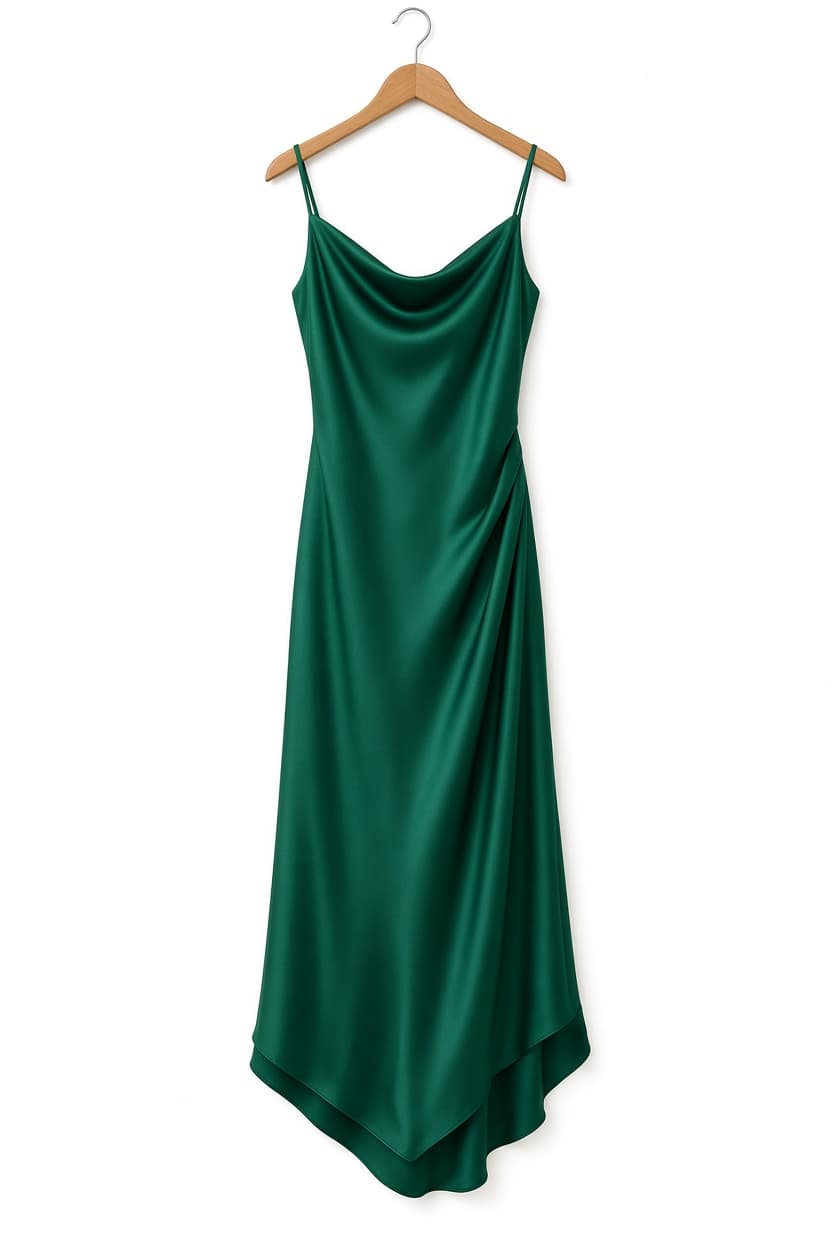
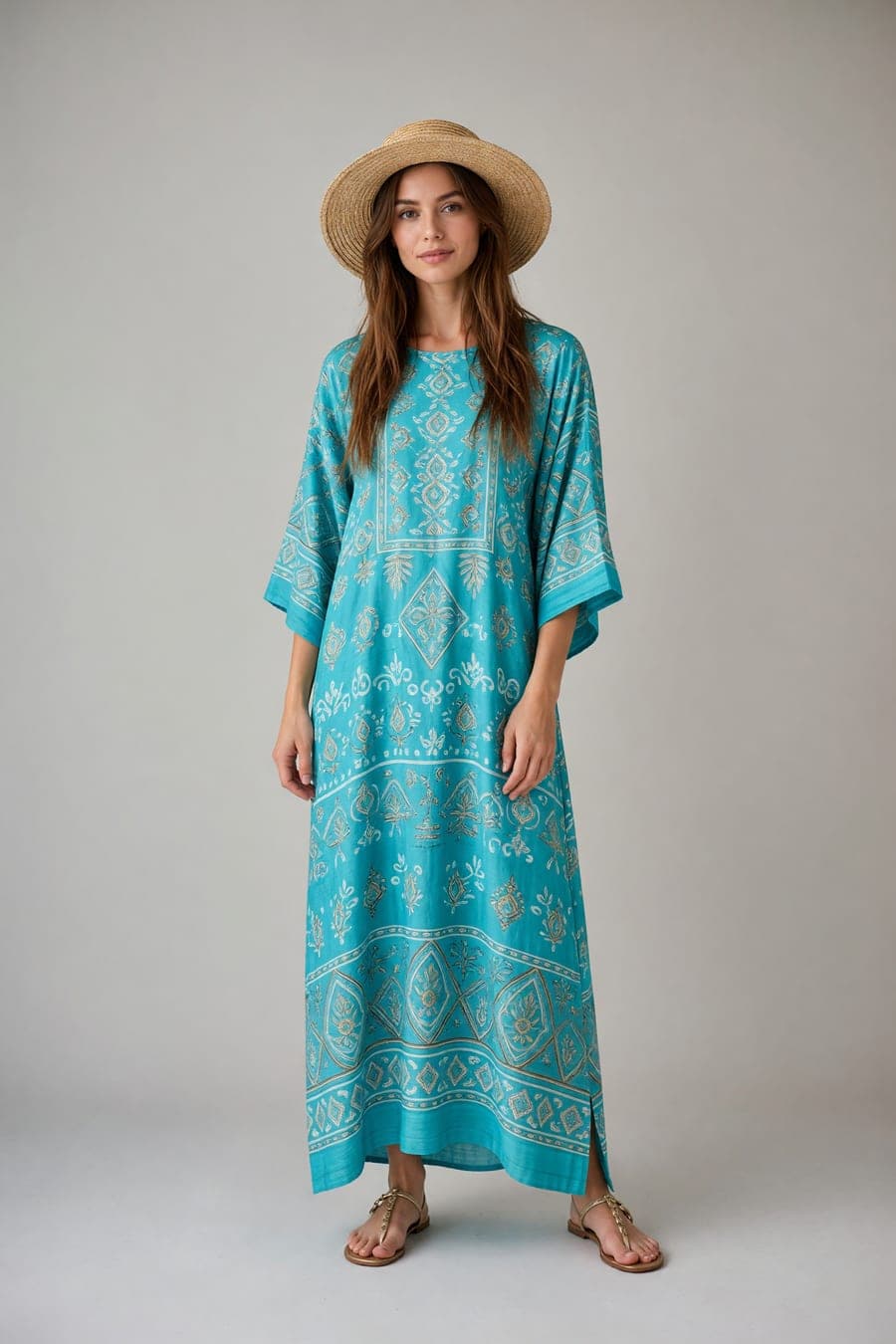
These are the exact photos we uploaded, and the result that came back.
How it works
3 steps. No editing skills.
- 1
Upload the person
A clear, well-lit full-body or three-quarter shot gives the cleanest fit.
- 2
Upload the garment
A product page screenshot is fine. So is a hanger photo.
- 3
Get the look
Photo in about 30 seconds. Animate it if you want to see it move.
Why it works
Why people use Outfit Try-On
Any product photo works
Hanger shot, flat-lay, or on-model. If you can screenshot it from a store page, you can try it on.
Not a sticker overlay
Fabric, drape, fit and lighting are re-rendered on the body, so the result holds up at full size.
Cheaper than a return
Photos use your plan's monthly usage. Seeing the outfit first costs a fraction of shipping it back.
Gallery
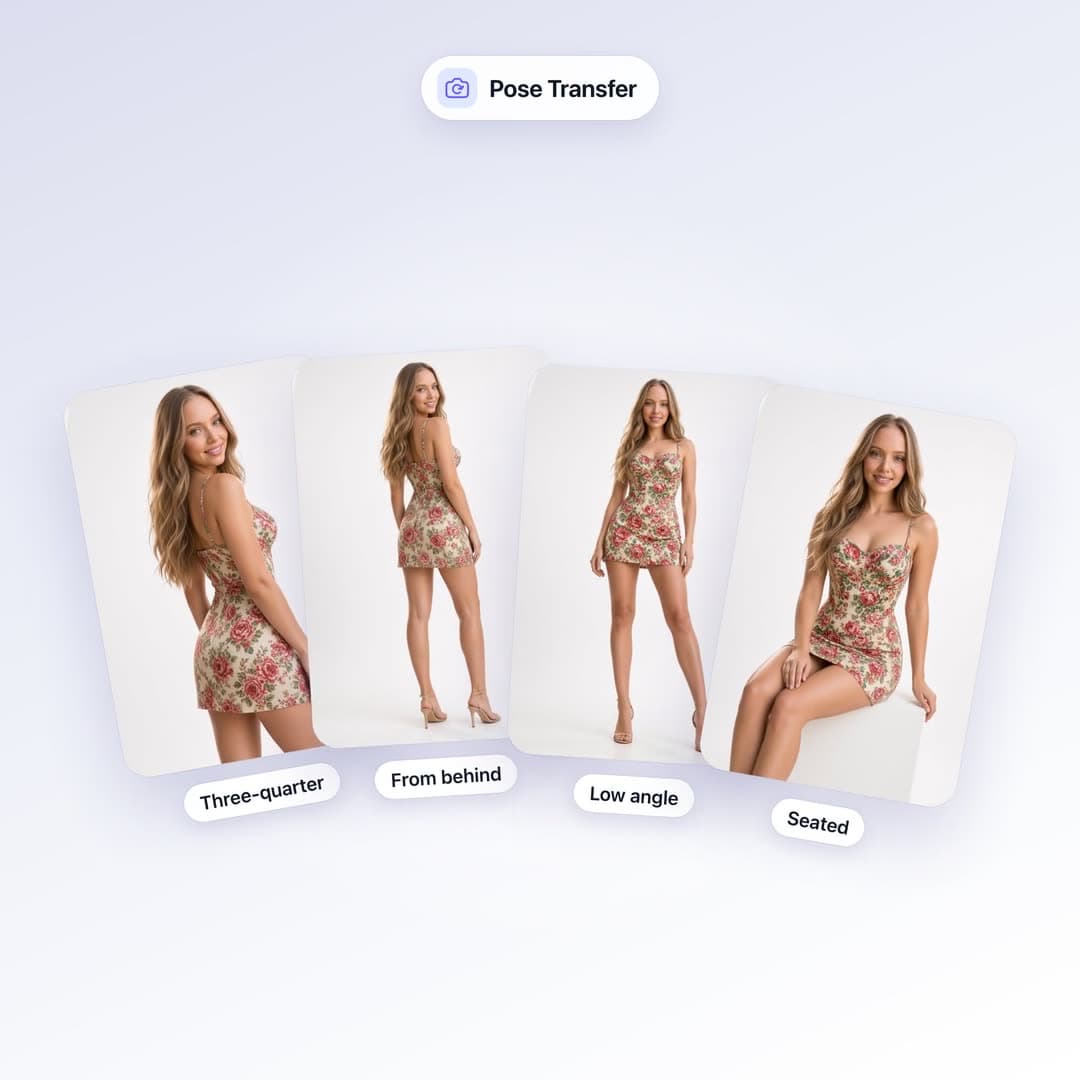
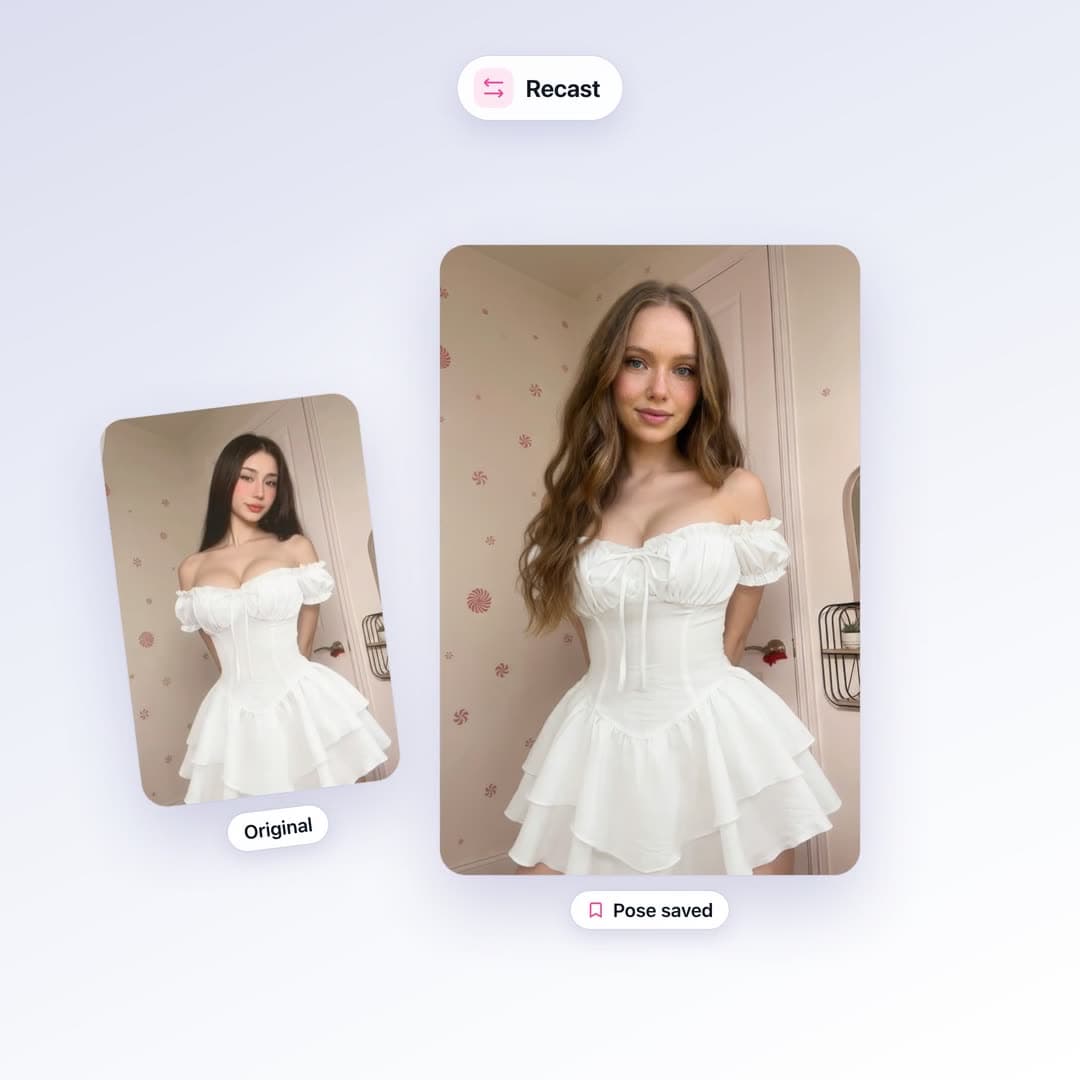
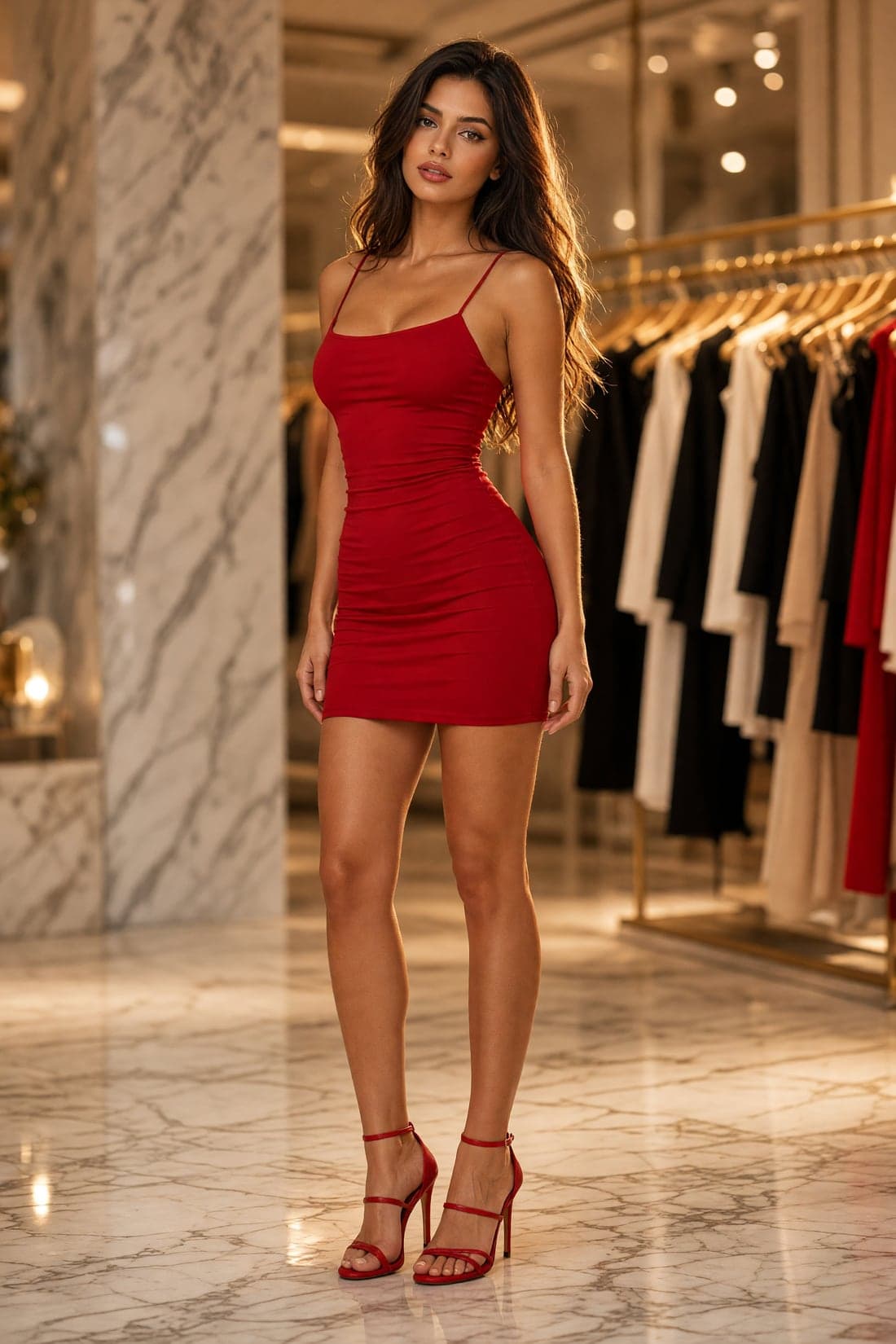
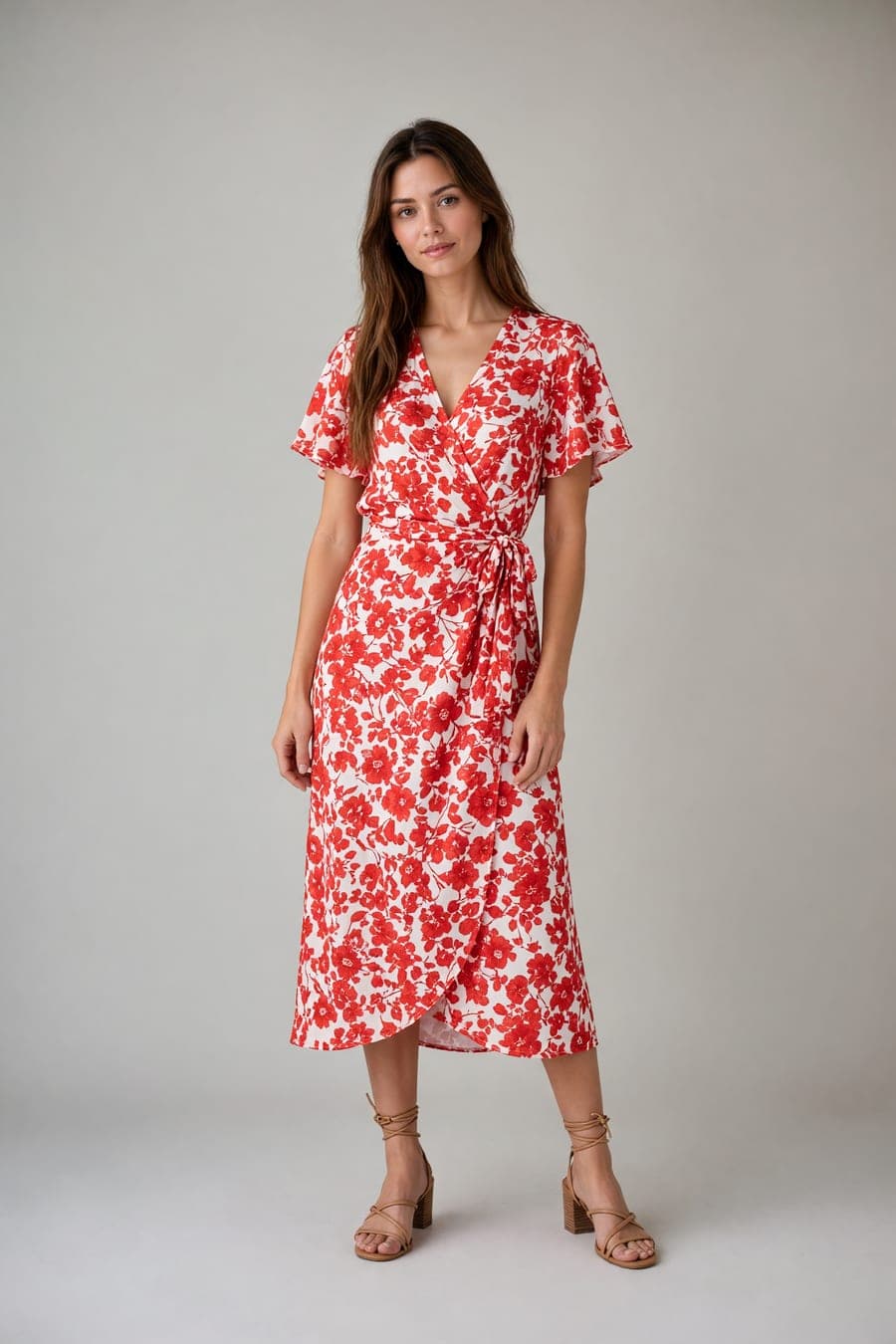
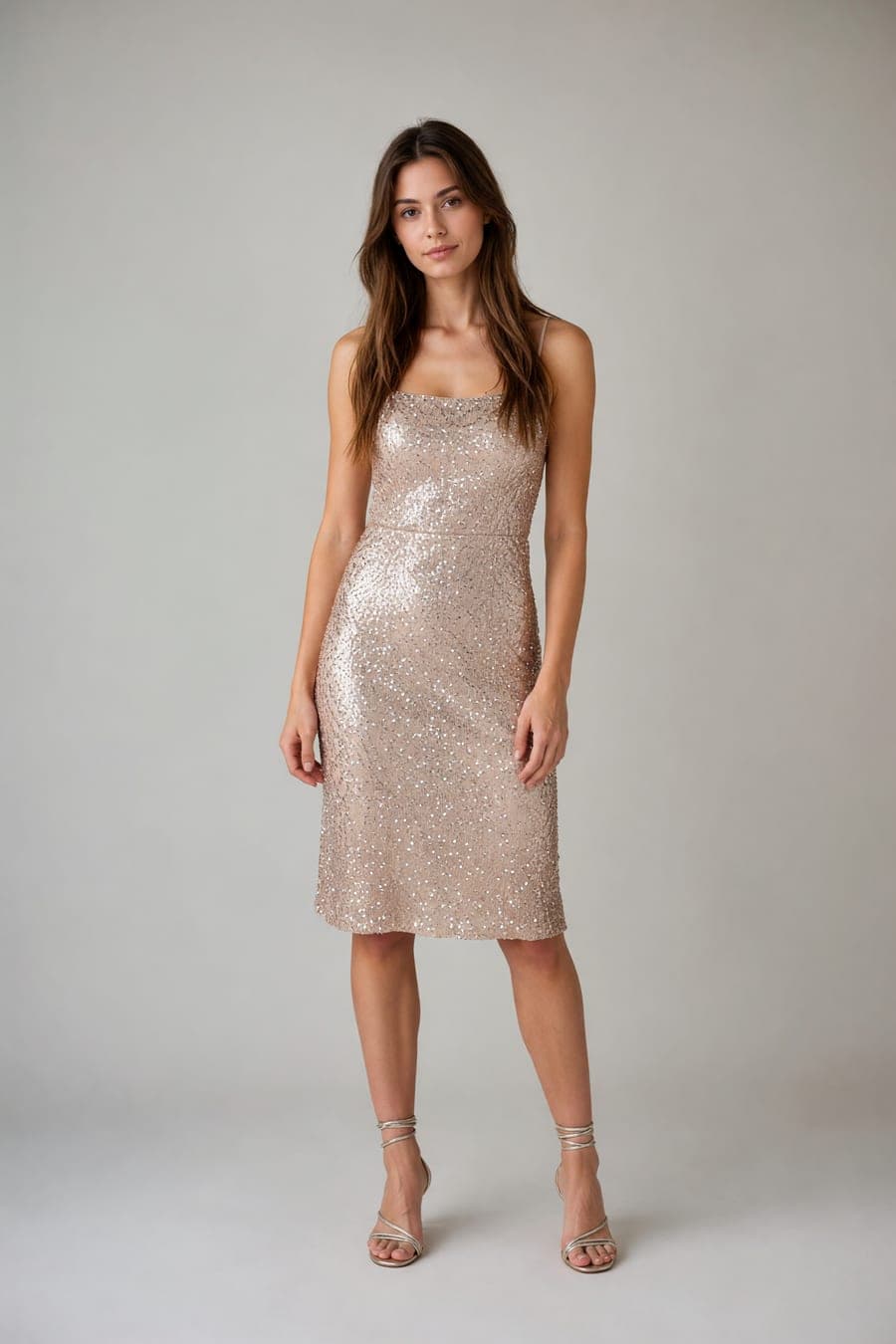
Made with Outfit Try-On
Real output from this tool. No stock photos.


FAQ
Questions about Outfit Try-On
A clear full-body or three-quarter shot of the person, plus a clothing image — product page, screenshot, or flat-lay. Group photos and heavy filters hurt results.
Yes. The tool is built to keep the face, body and pose, and change only the outfit.
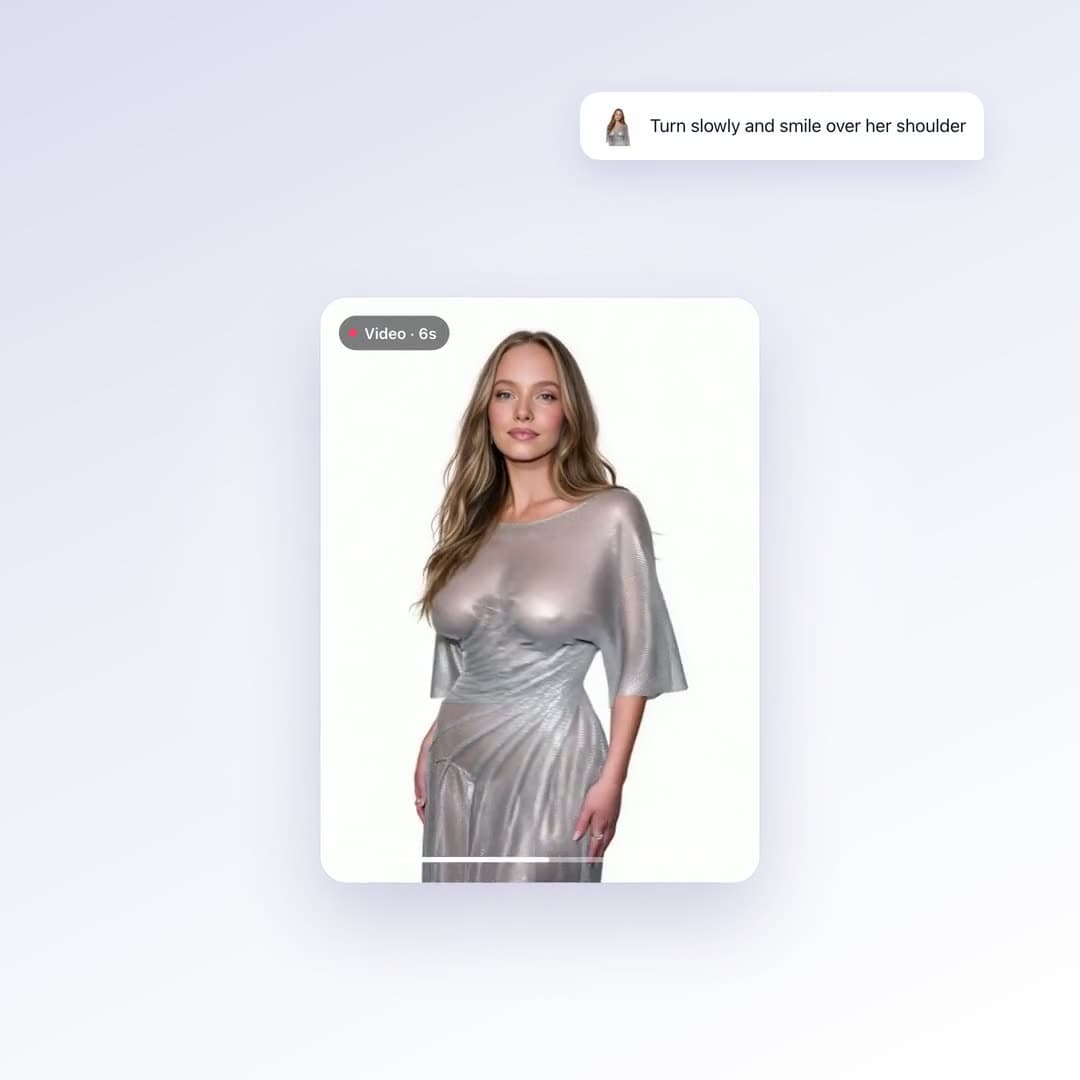
Yes. Generate the still, then animate it — a turn, a walk, or a fitting-room clip.
More tools
One studio, every shot
Try Outfit Try-On on your own photos
Plans from $10/month · Cancel anytime