
Create tool
Text to Image
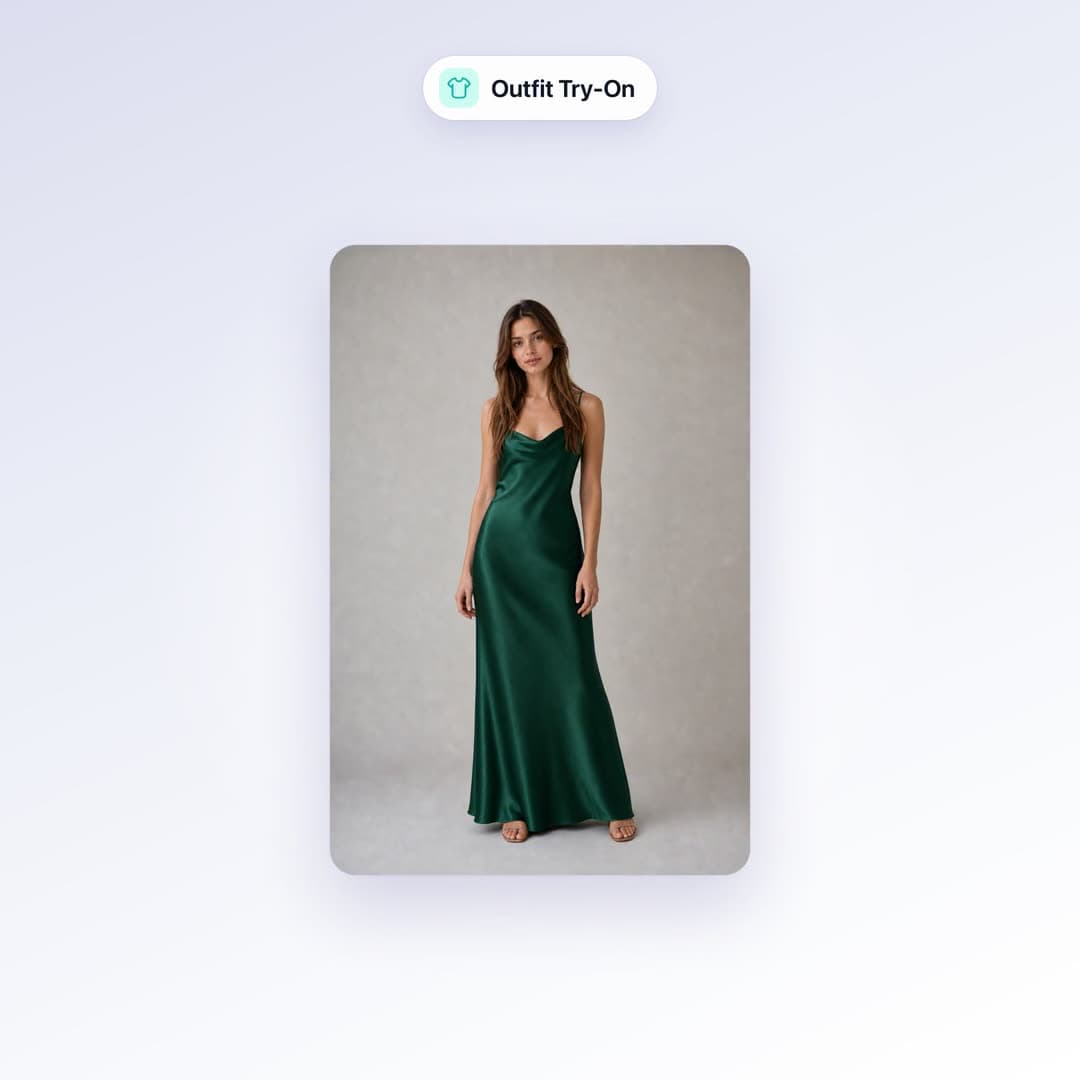
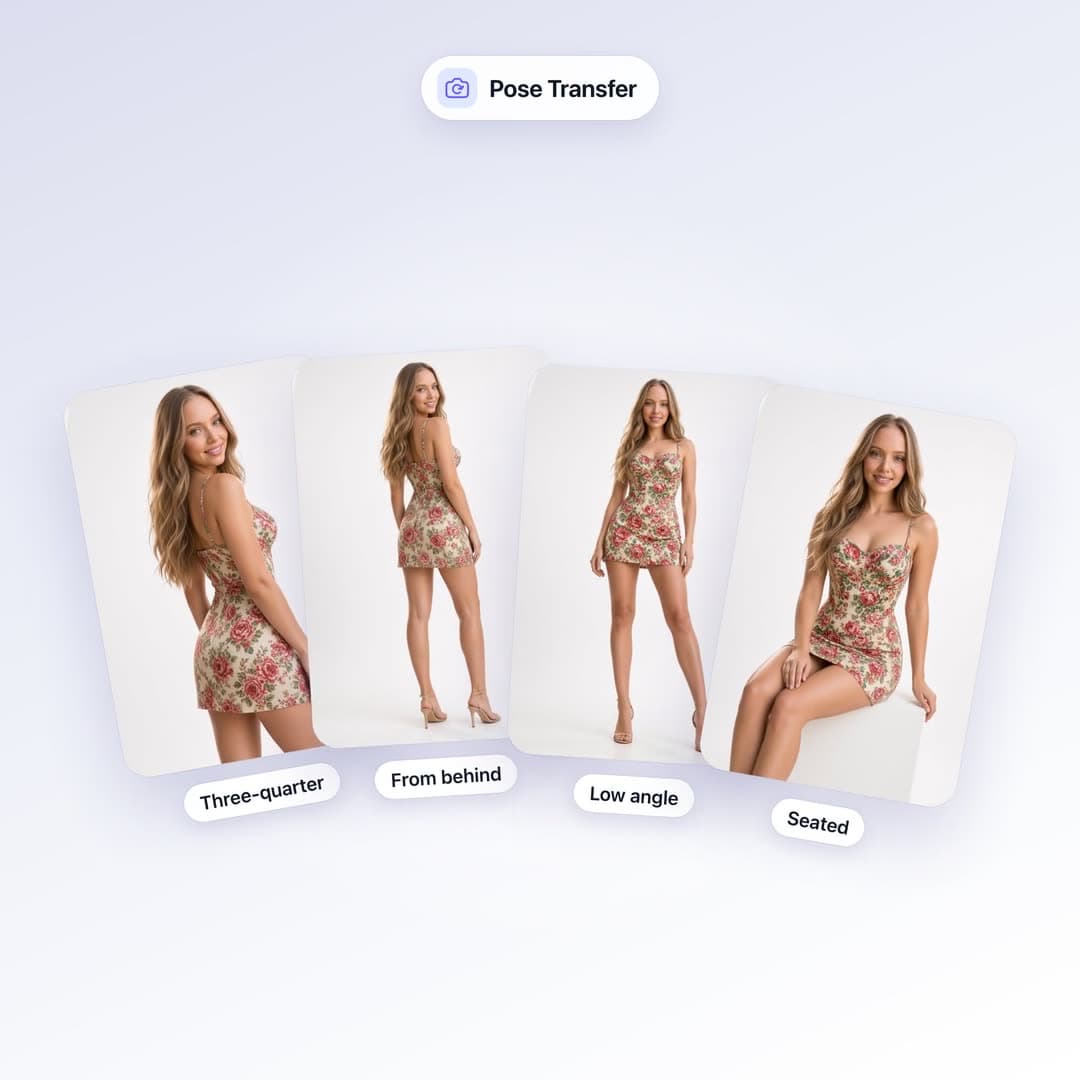
Describe anything and get it back as a finished image in about 30 seconds. No reference photo needed, no prompt engineering degree required.
- Ready in about a minute
- No watermarks
- Private by default


How it works
3 steps. No editing skills.
- 1
Write the prompt
Say what you want to see. Detail helps, but a short sentence works.
- 2
Generate
Results land in about 30 seconds, several at a time.
- 3
Refine or animate
Nudge the prompt and re-run, or send a favourite to image-to-video.
Why it works
Why people use Text to Image
Anything you can describe
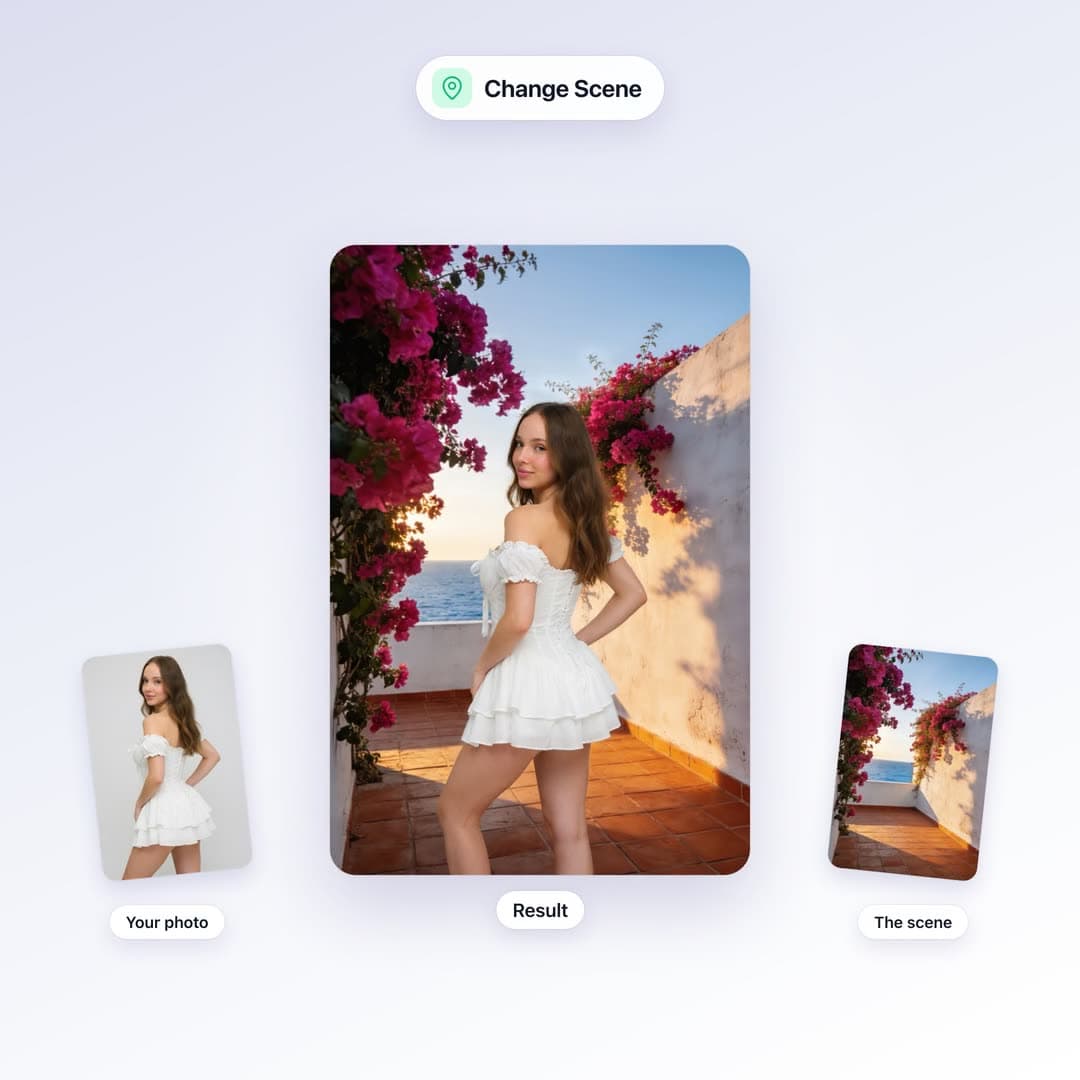
Scenes, styles, products, characters. The most open-ended tool here — plain English is the whole interface.
Add yourself if you want
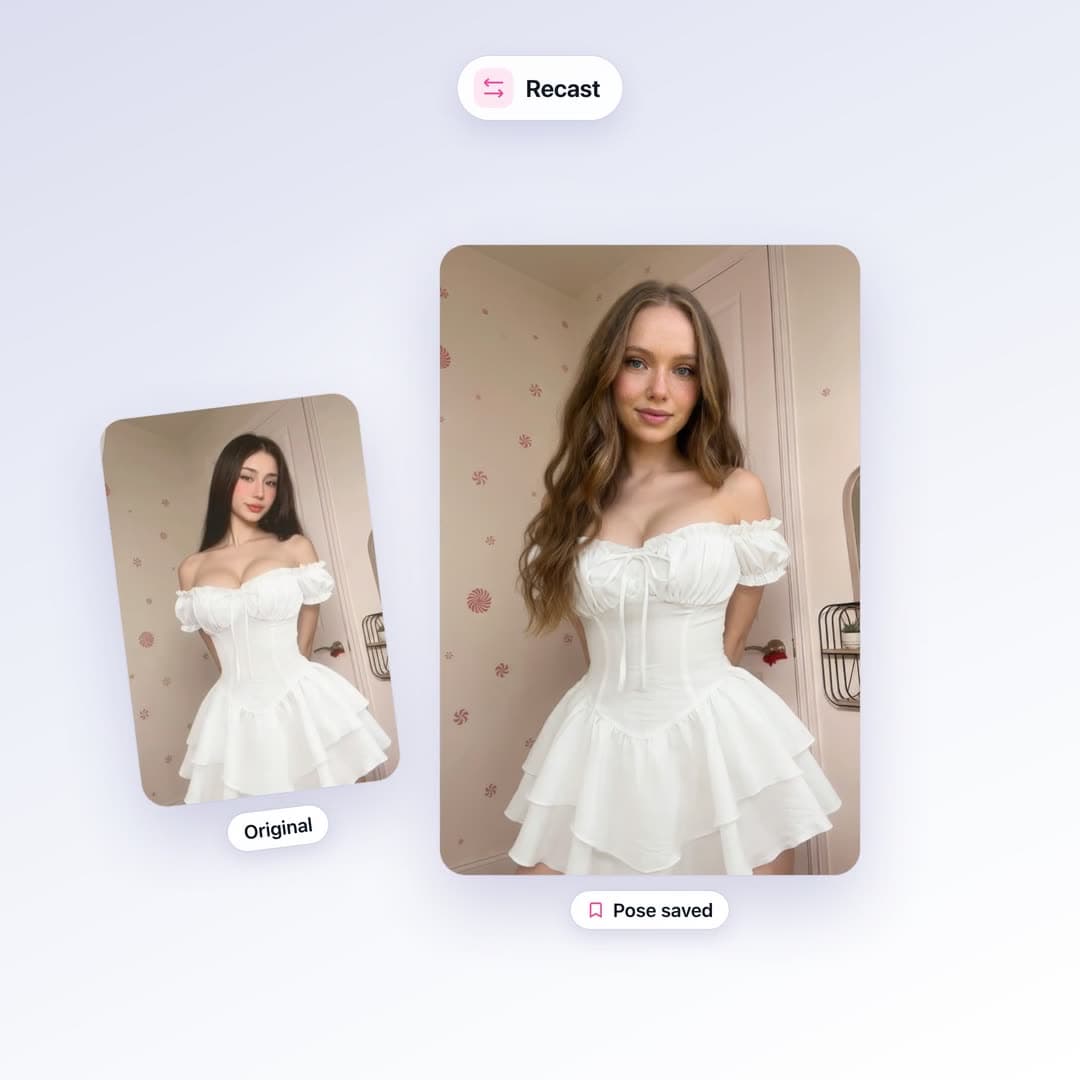
Drop in a reference photo and the same prompt keeps your likeness instead of inventing a stranger.
Cheap enough to iterate
Photos use your plan's monthly usage, so you can compare versions within the same monthly plan.
Gallery
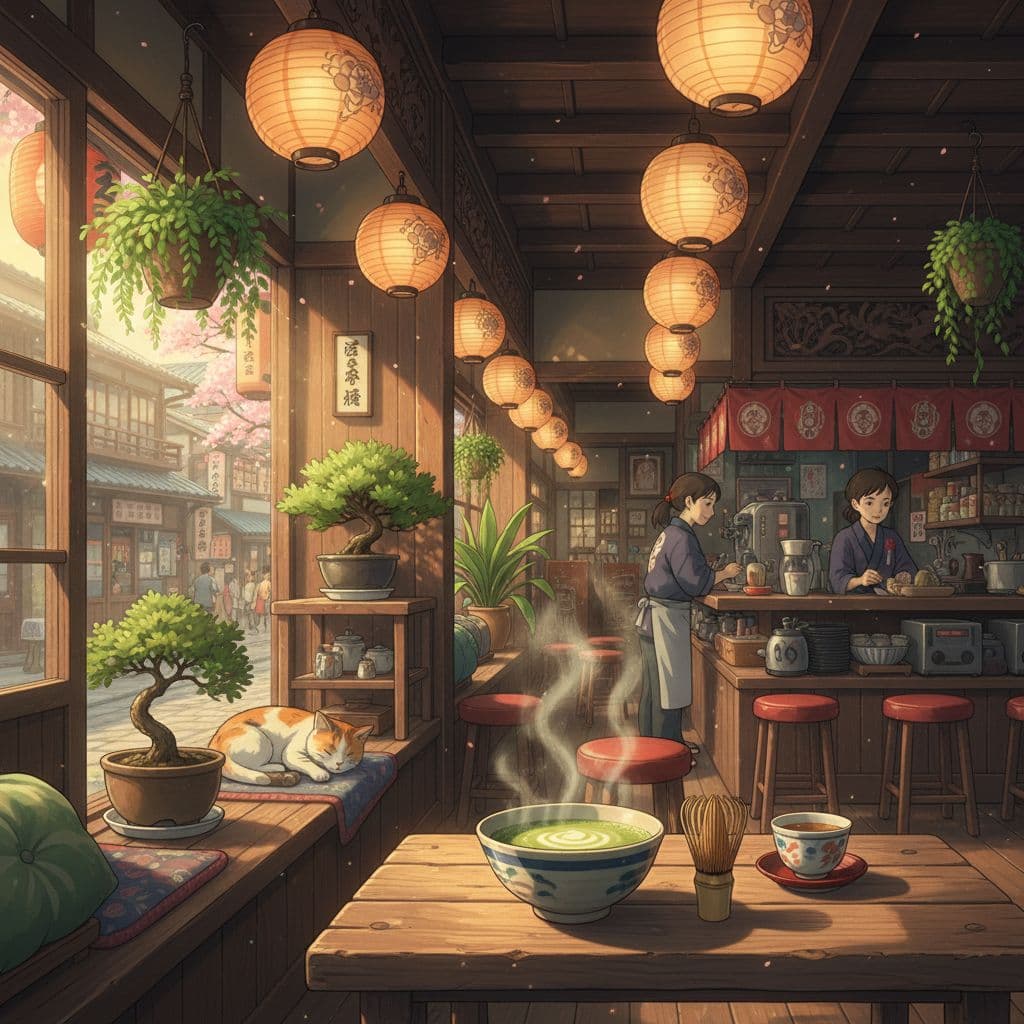
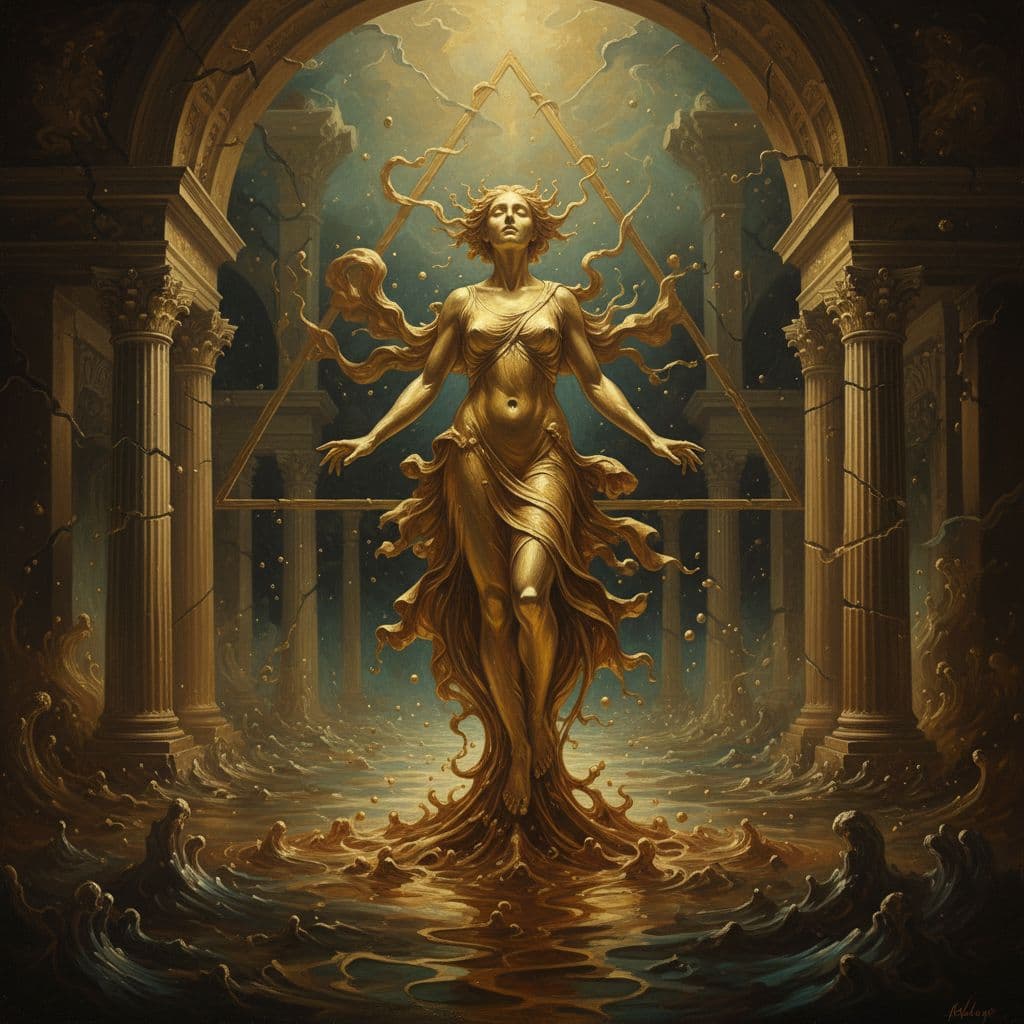
Made with Text to Image
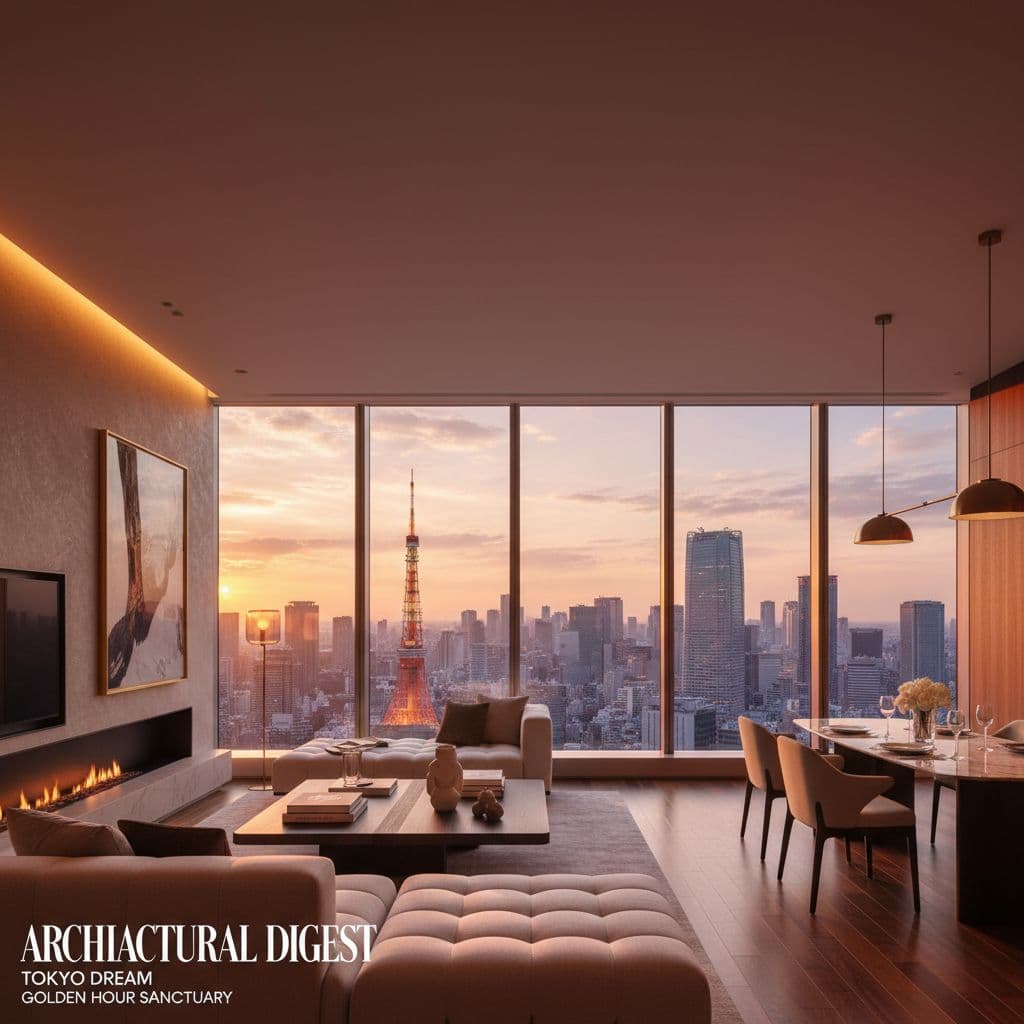
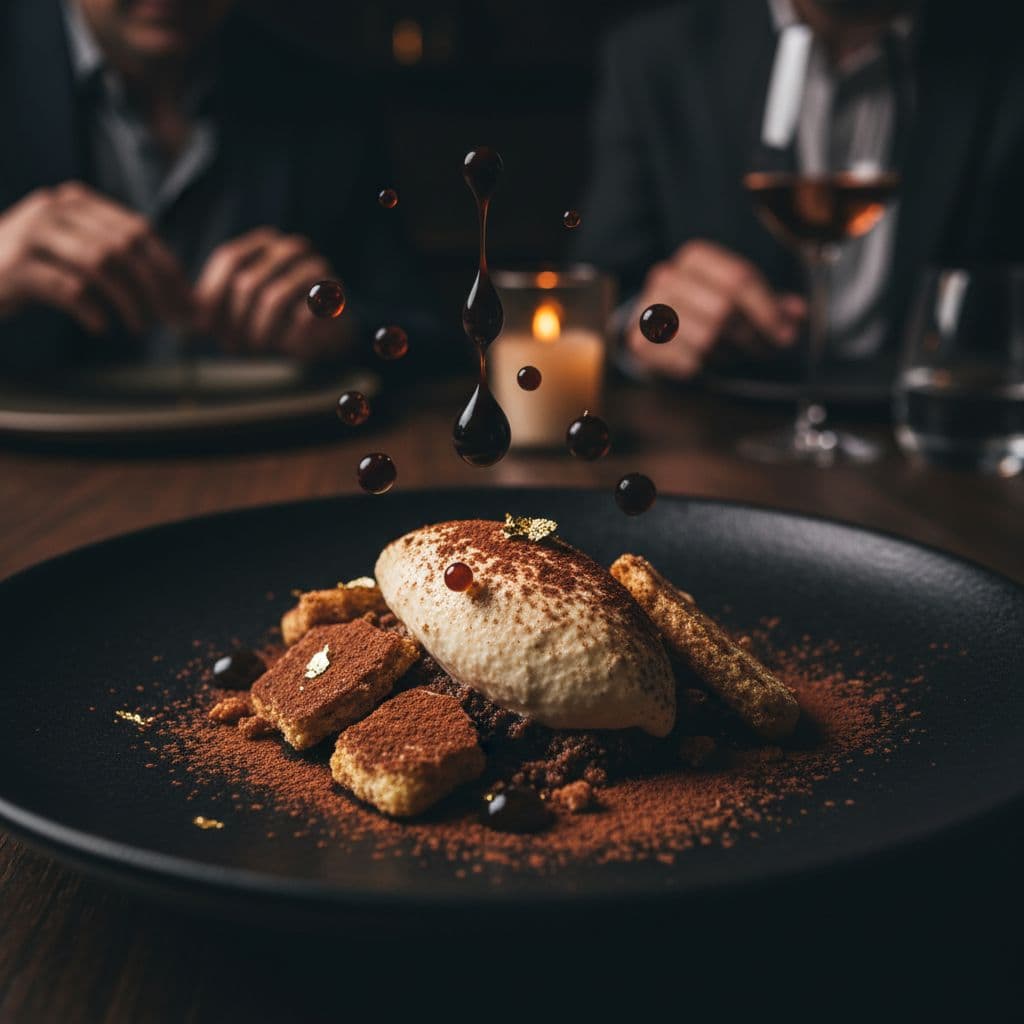
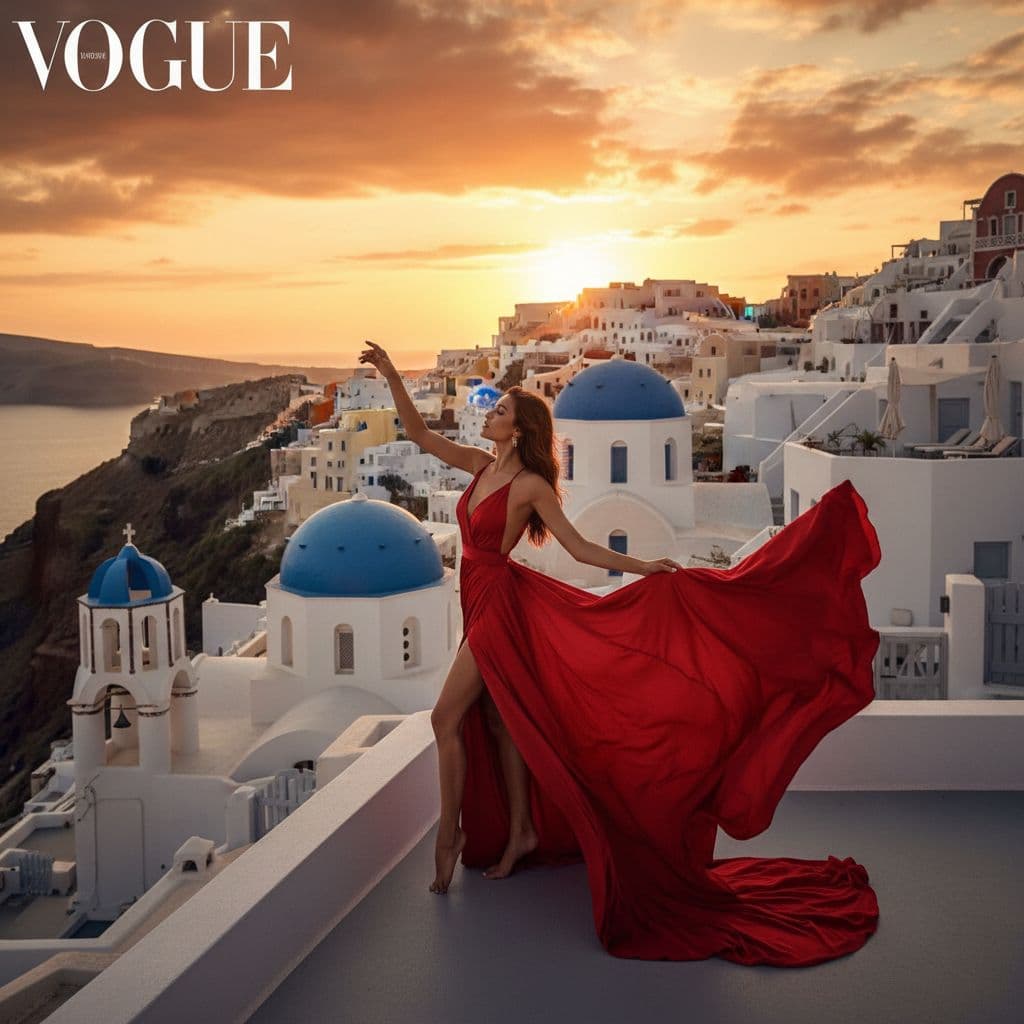
Real output from this tool. No stock photos.

FAQ
Questions about Text to Image
Both. Prompt from scratch, or upload a photo of you and describe the change.
Upload a sharp, well-lit reference photo. That's the identity lock — don't skip it if likeness matters.
Photos use your plan's monthly usage. Monthly plans start at $10/month.
More tools
One studio, every shot
Try Text to Image on your own photos
Plans from $10/month · Cancel anytime