

Already have an account? Sign in
Image to Video
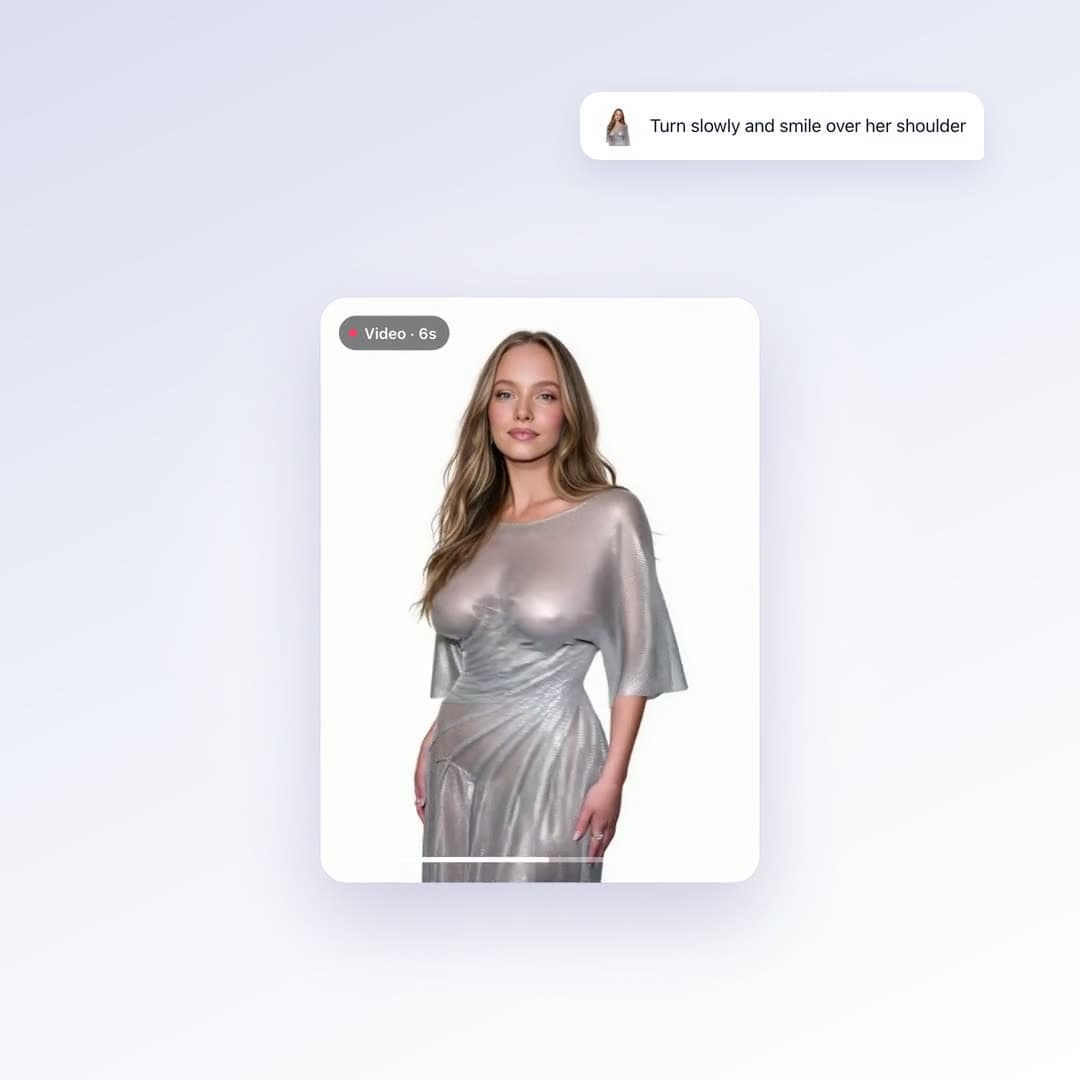
Upload one still and describe how it should move. The person in the frame stays the person in the frame — you're animating your photo, not generating a new one.
What you get
Starts from your photo
Identity, outfit and setting carry over from the still. You're adding motion, not replacing the subject.
Plain-English motion
“Slow turn, hair moving, looking at camera.” No keyframes, no timeline.
Any aspect ratio
The clip follows your first frame, so crop the still and the video matches.
Made with Image to Video
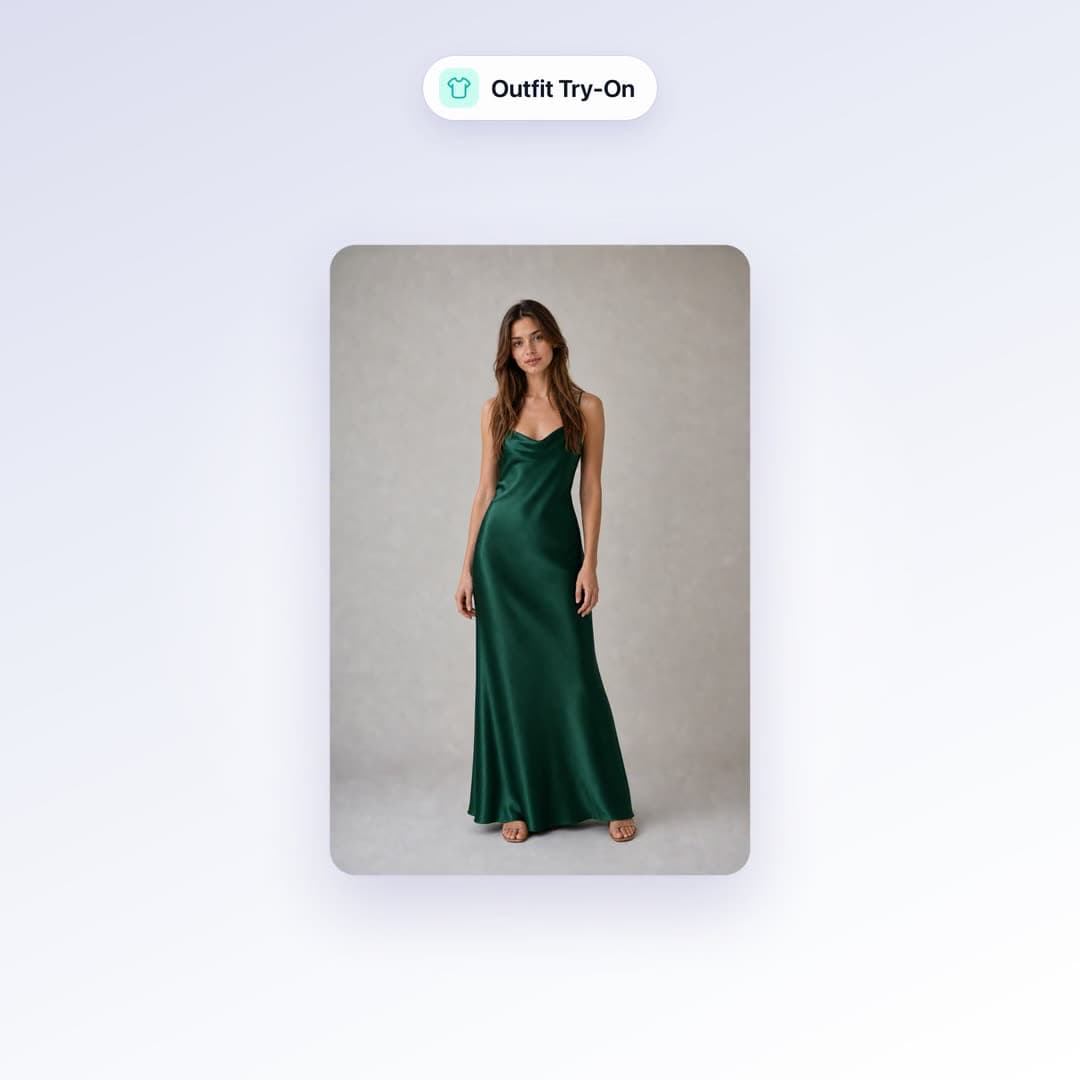
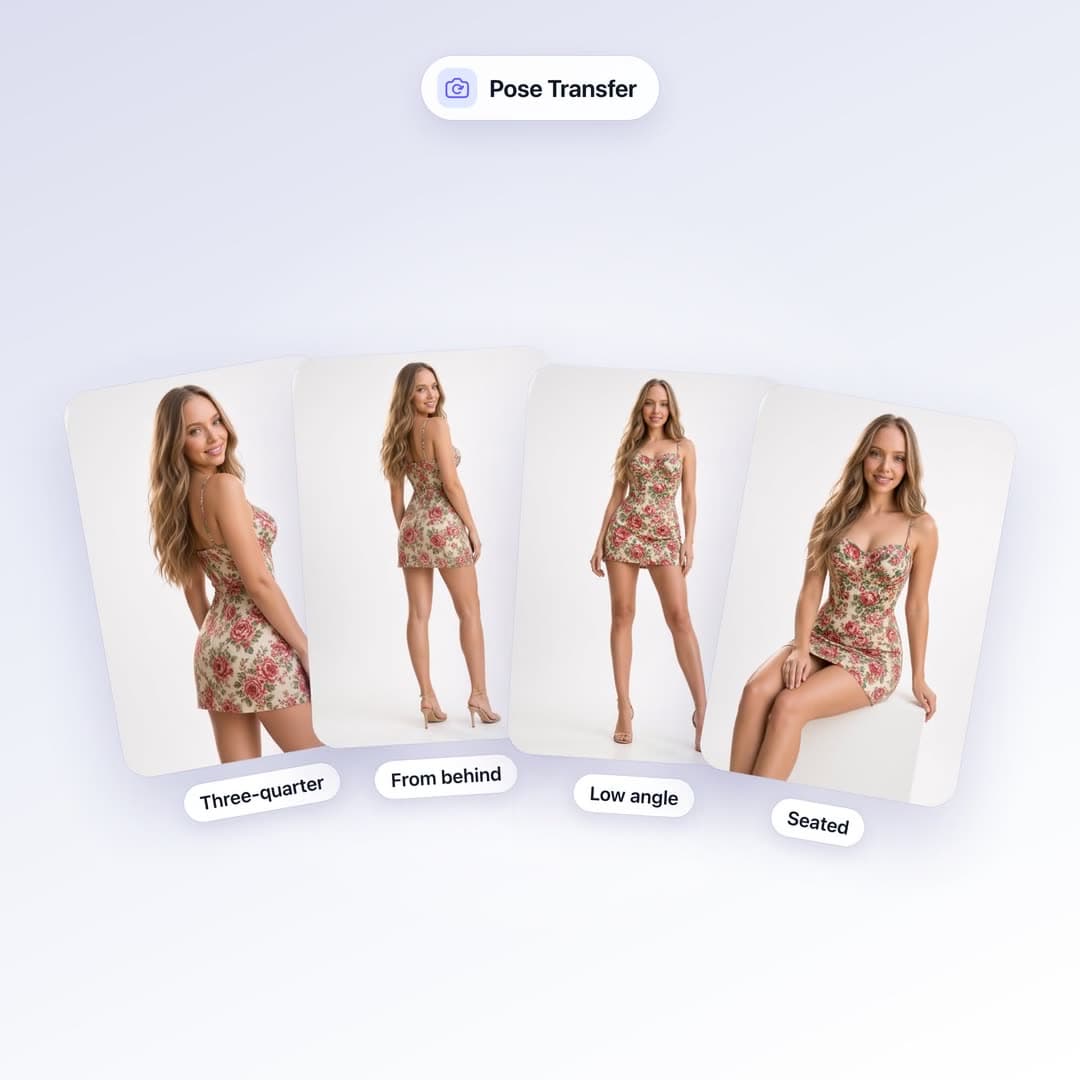
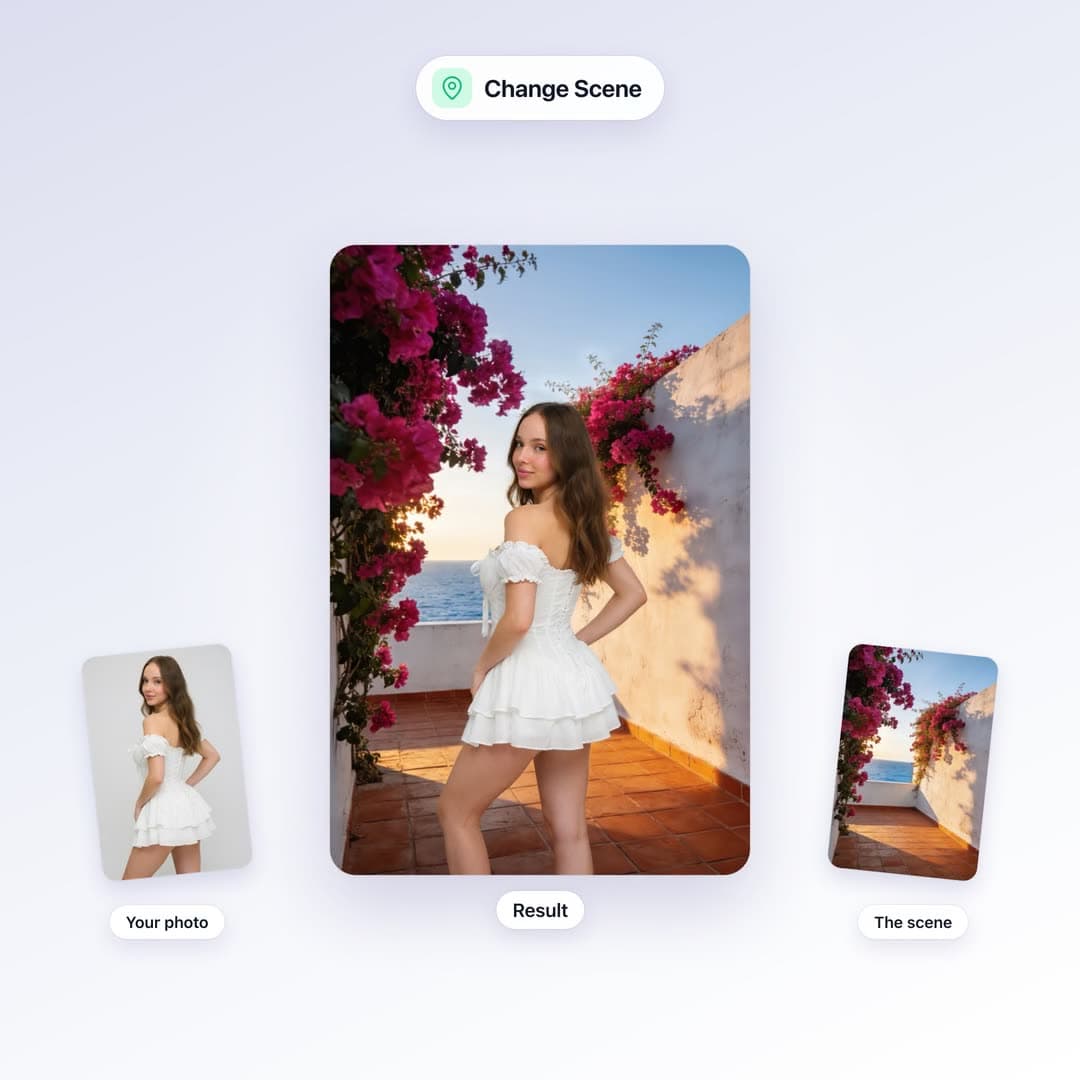
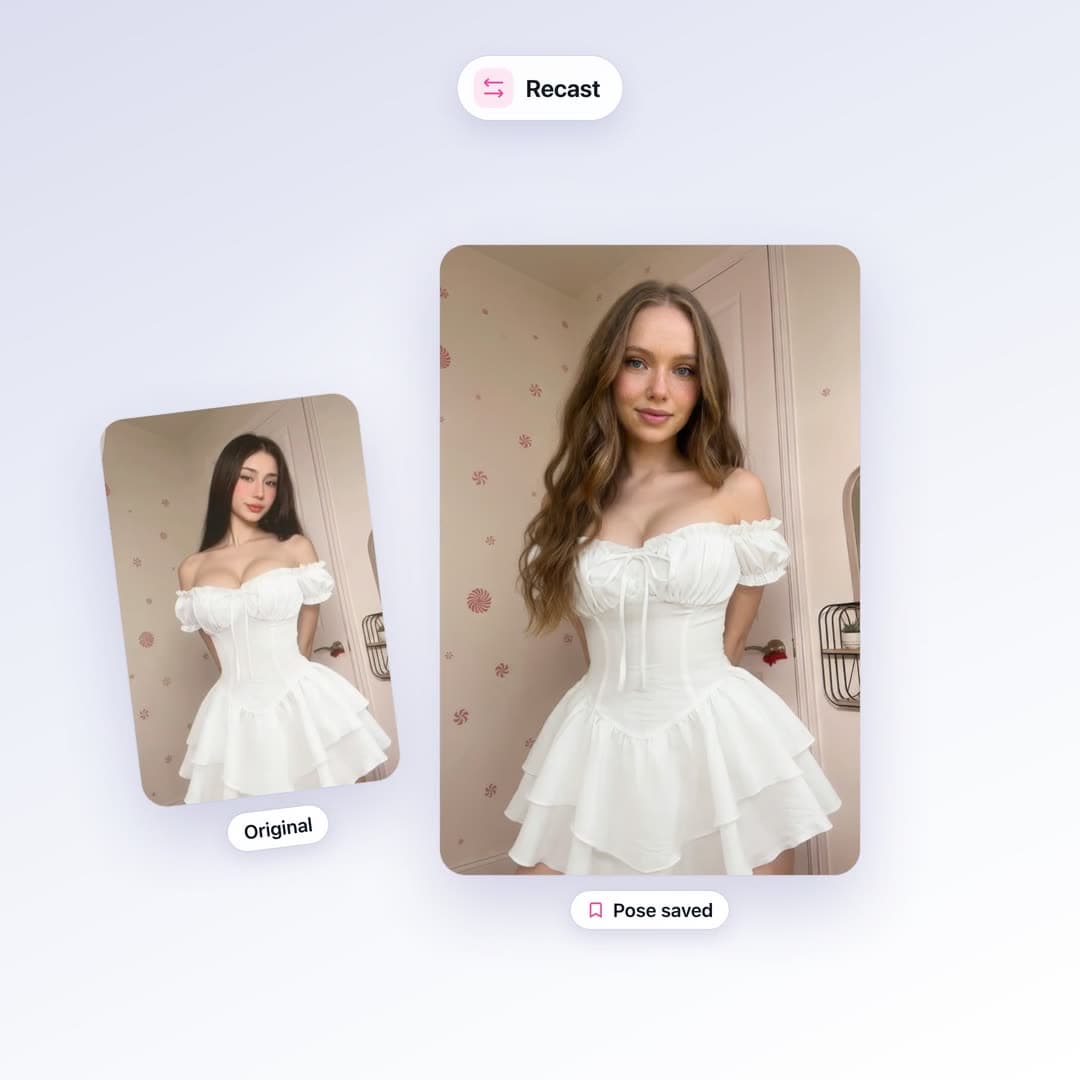
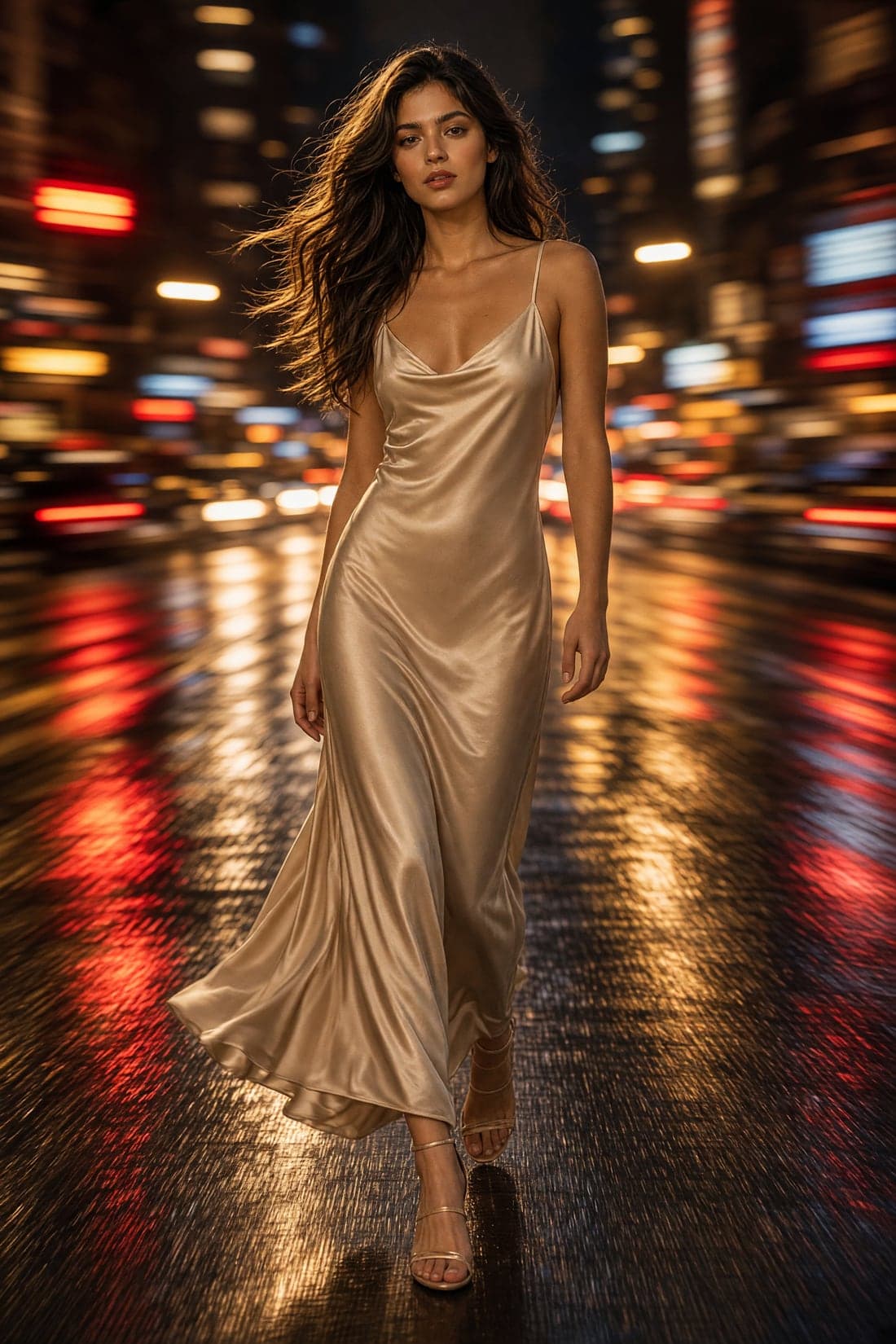
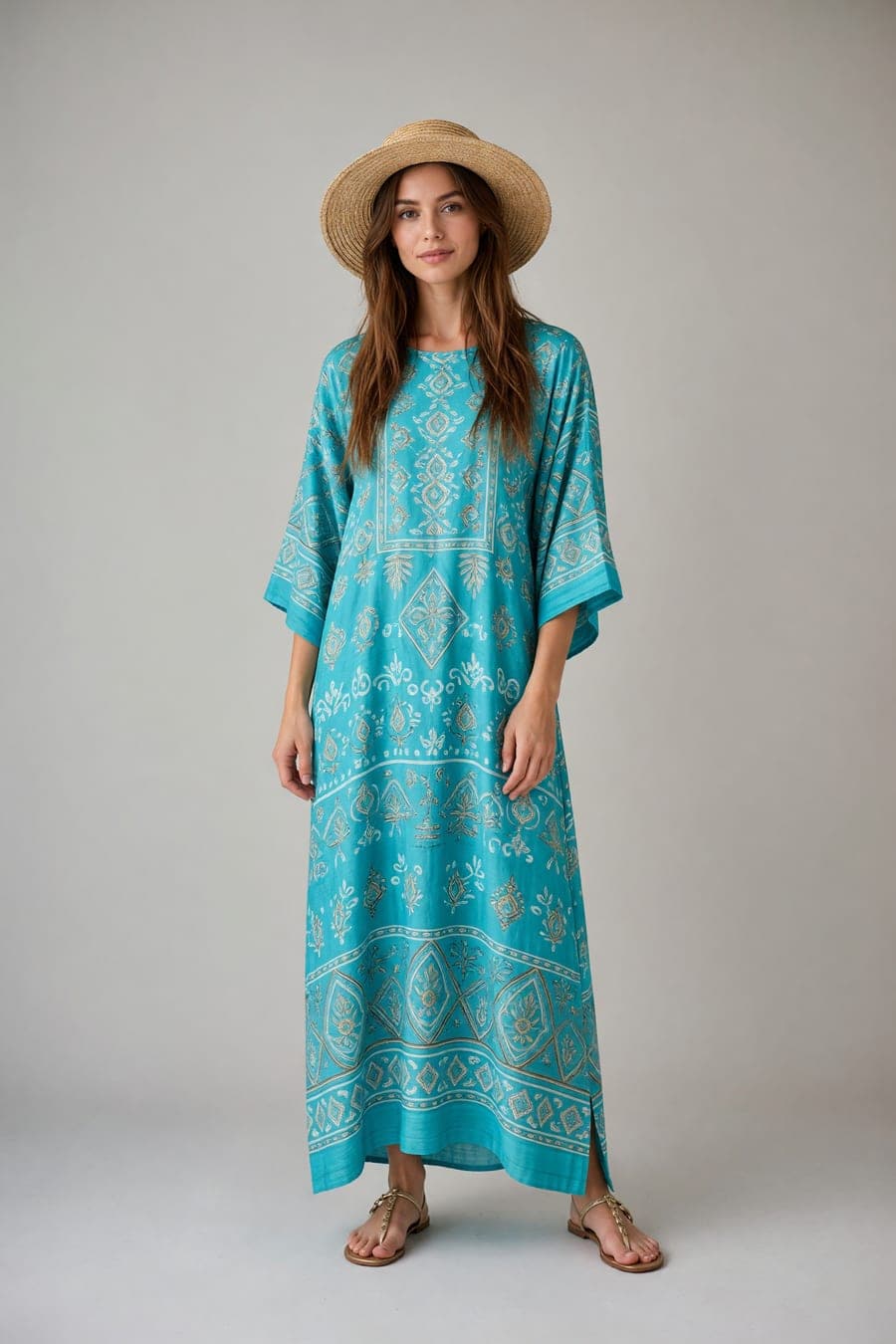
Real output from this tool — no stock photos.


How it works
Upload a still
A sharp, well-lit photo animates far better than a blurry one.
Describe the motion
A short note is enough — the photo is already doing most of the work.
Post it
MP4 at 480p or 720p, no watermark.
Questions about Image to Video
- How long are the videos?
- Usually 5, 10 or 15 seconds. Short-form is the intended use — Reels, Stories, TikTok.
- Do I need a prompt?
- A short motion note helps: “slow turn, looking at camera, hair moving.” The photo does most of the work.
- What does a clip cost?
- 7 credits/sec at 480p, 14 credits/sec at 720p. A 5-second 480p clip is 35 credits.
More video tools
Other tools in this category
Try Image to Video on your own photo
75 credits for $1. No subscription, and a 7-day money-back guarantee on your first purchase.
Start for $1