
Create tool
Edit Photo
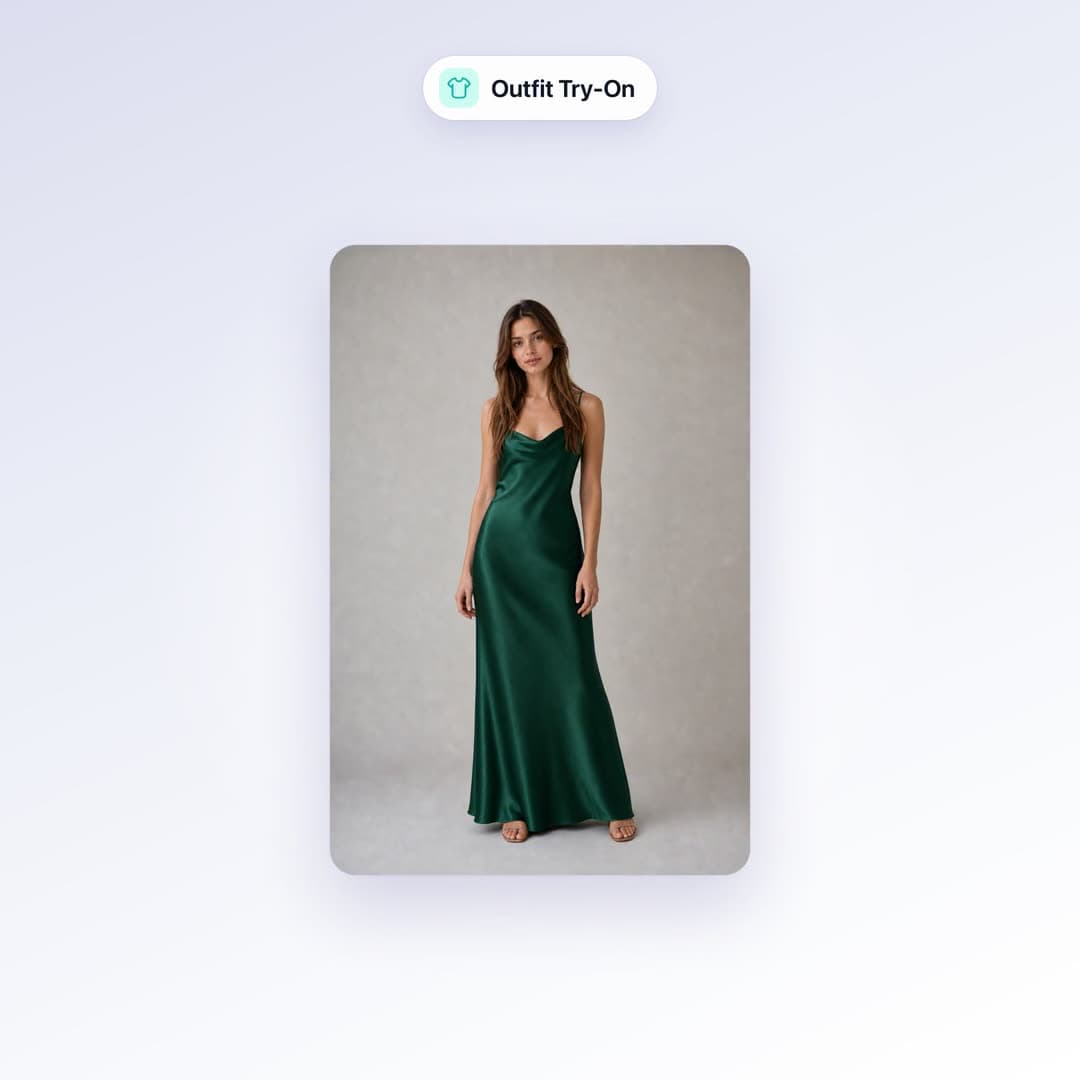
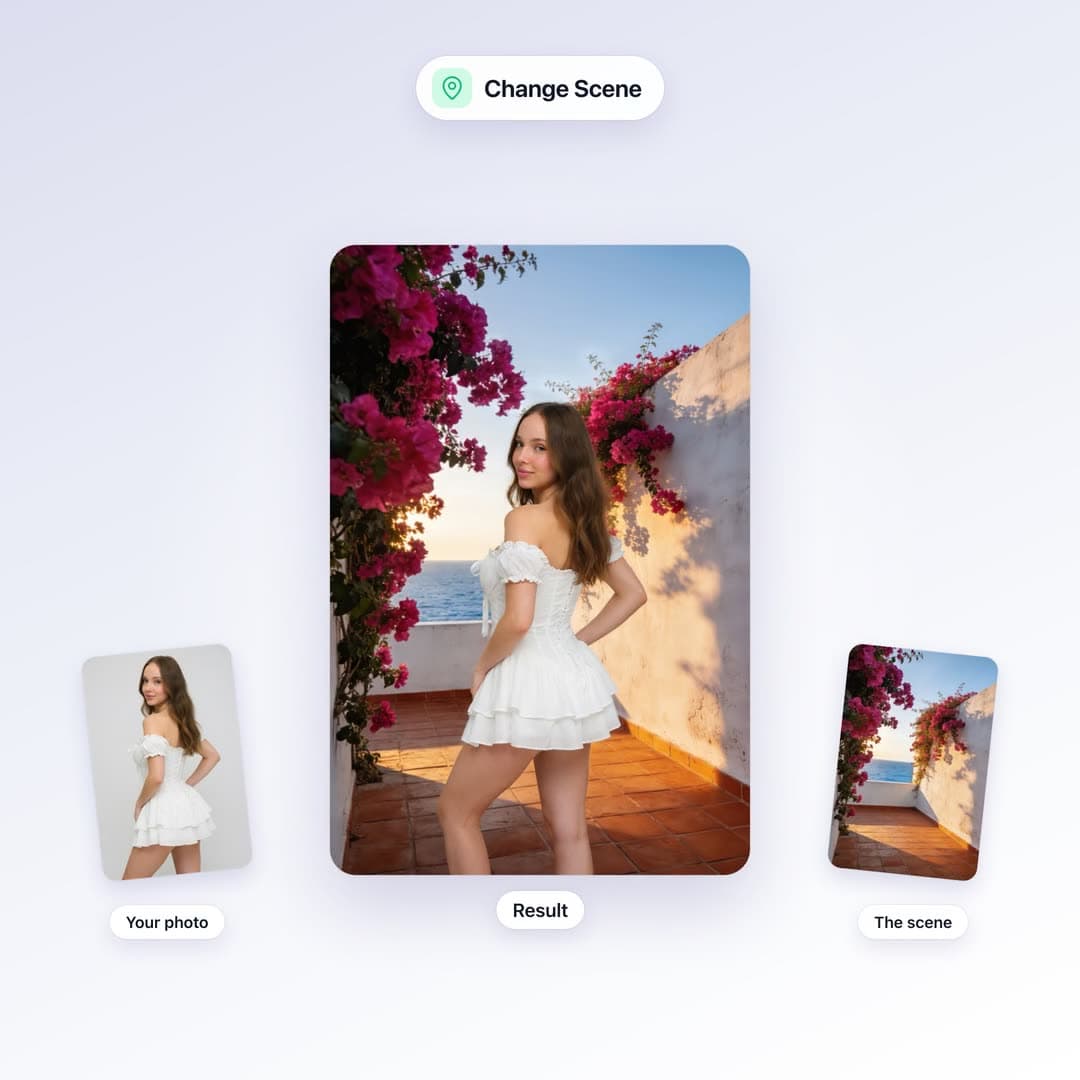
Change what's in a photo by describing it. Swap the background, fix the lighting, remove something, or merge up to five pictures into one scene — no masking, no layers.
- Ready in about a minute
- No watermarks
- Private by default
How it works
3 steps. No editing skills.
- 1
Upload up to 5 photos
One to edit, or several to merge into a single scene.
- 2
Describe the change
“Put her on a rooftop at sunset.” “Remove the car.” “Warmer lighting.”
- 3
Download or animate
Take the full-resolution file, or send it on to video.
Why it works
Why people use Edit Photo
Prompt instead of mask
No lasso, no layers, no eraser. Say what should change and everything else stays put.
Merge several photos
Select up to five images to combine people or elements that were never photographed together.
Identity preserved
Built to keep the face intact, which is why it works for content sets rather than one-off art.
Gallery
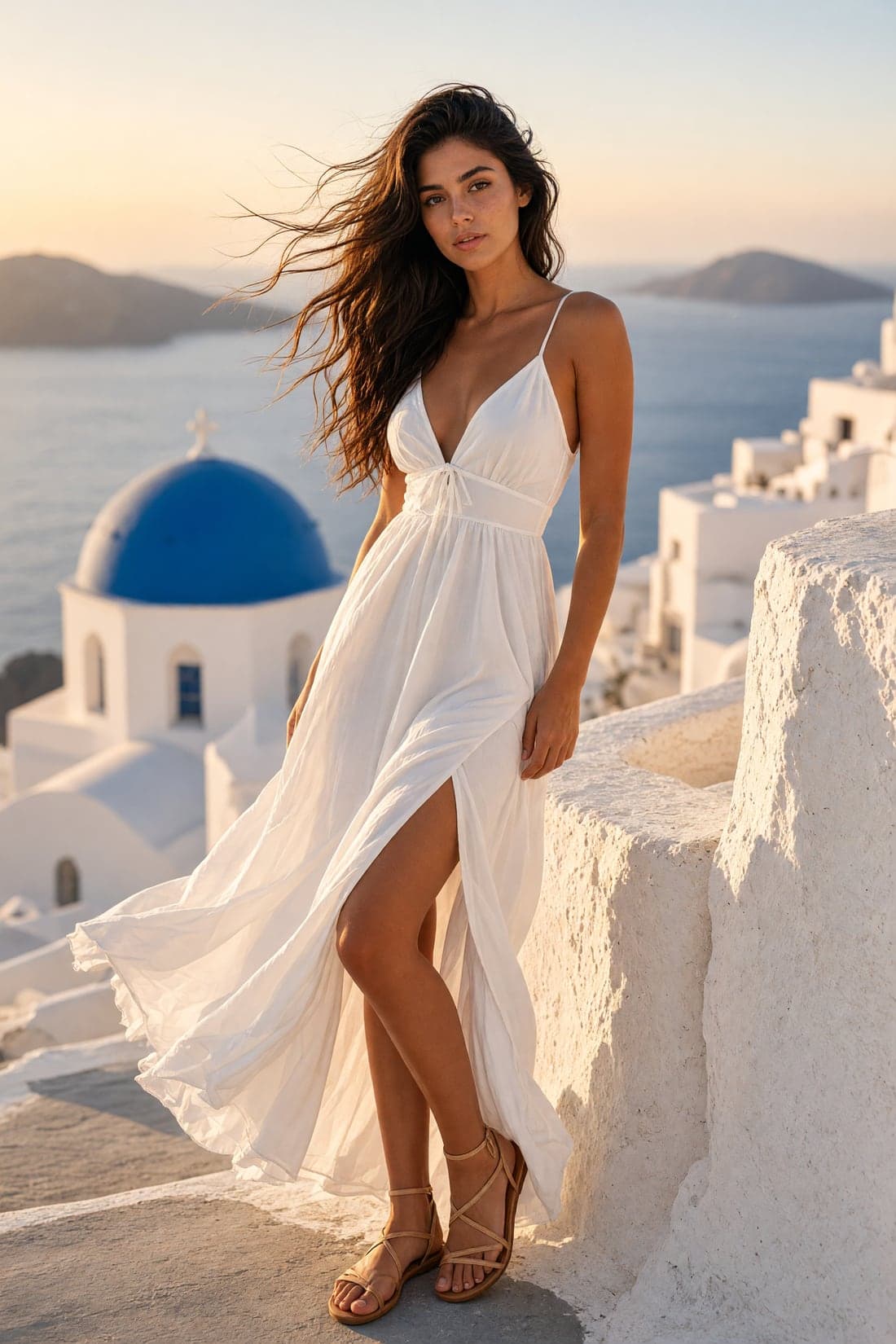
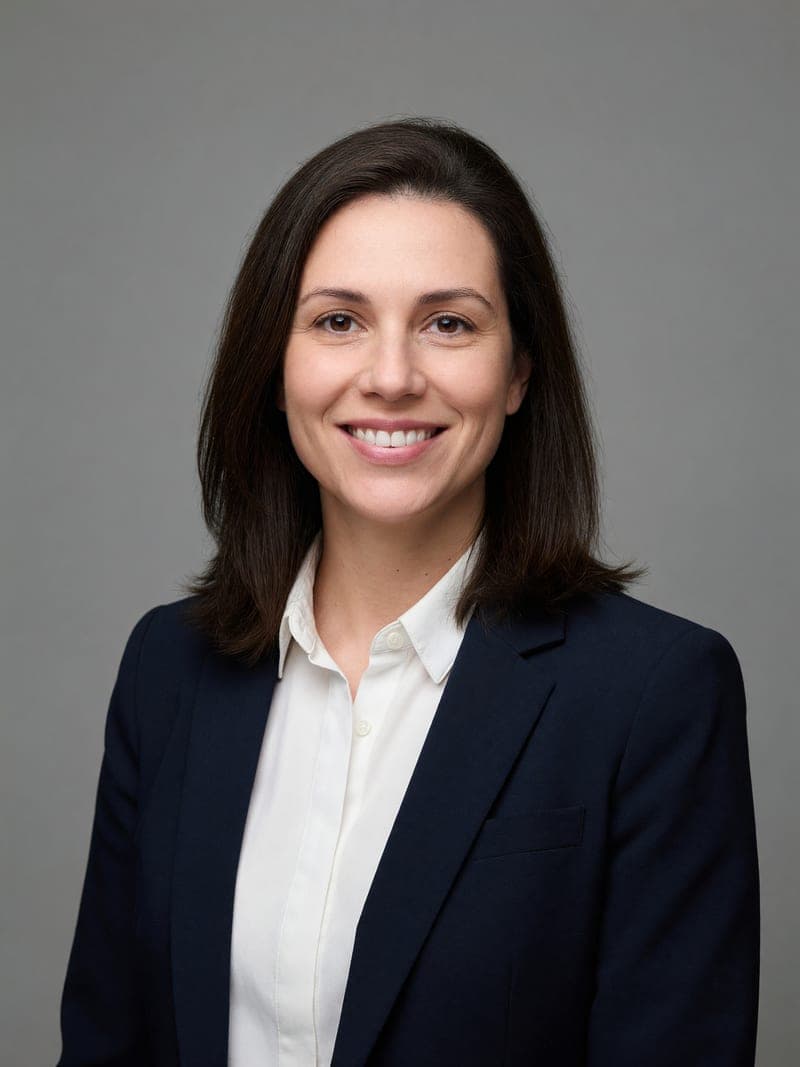
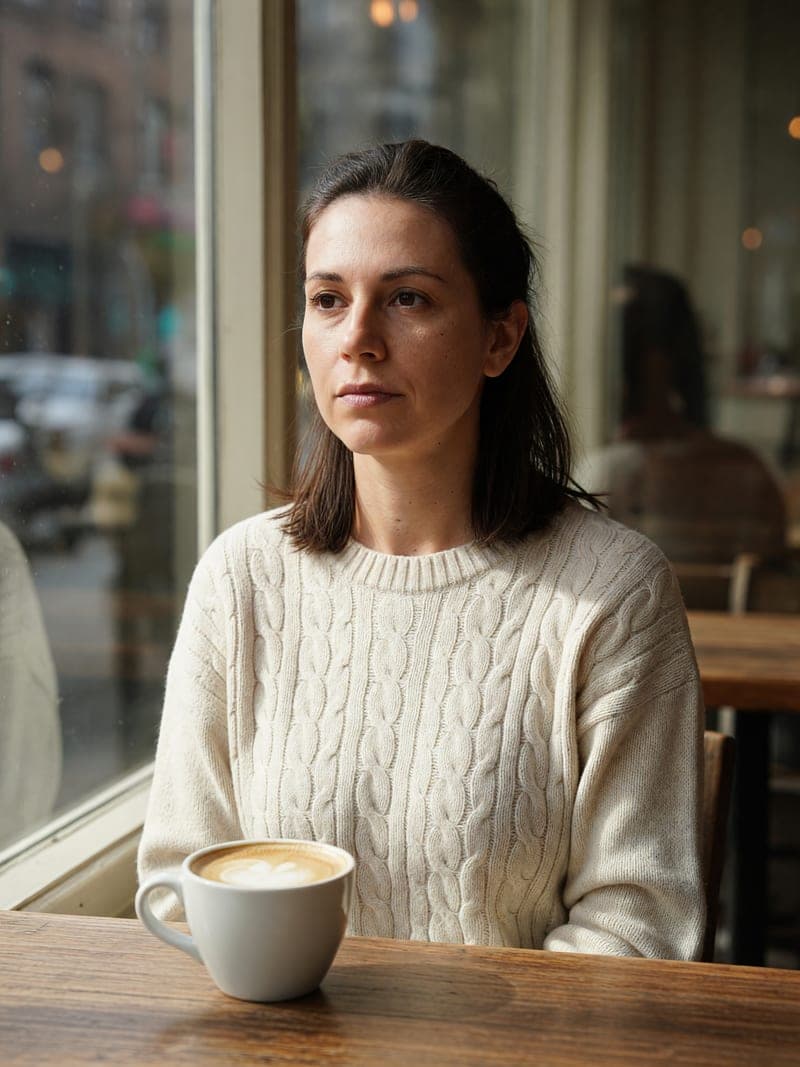
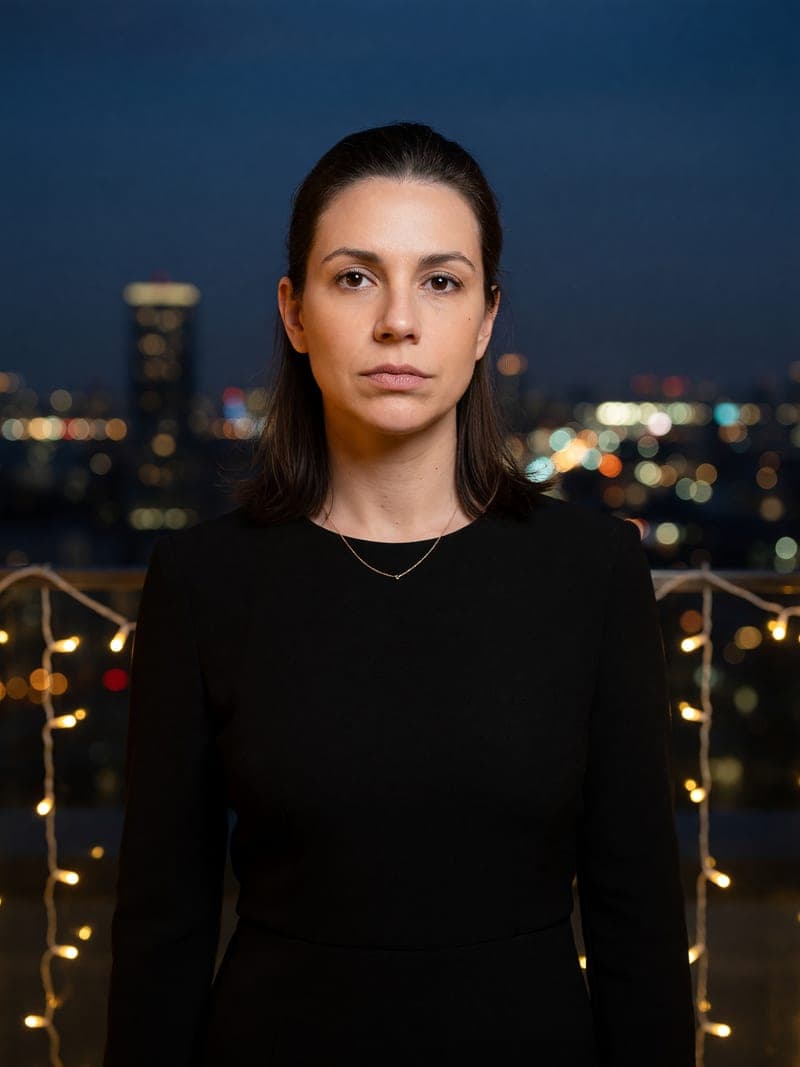
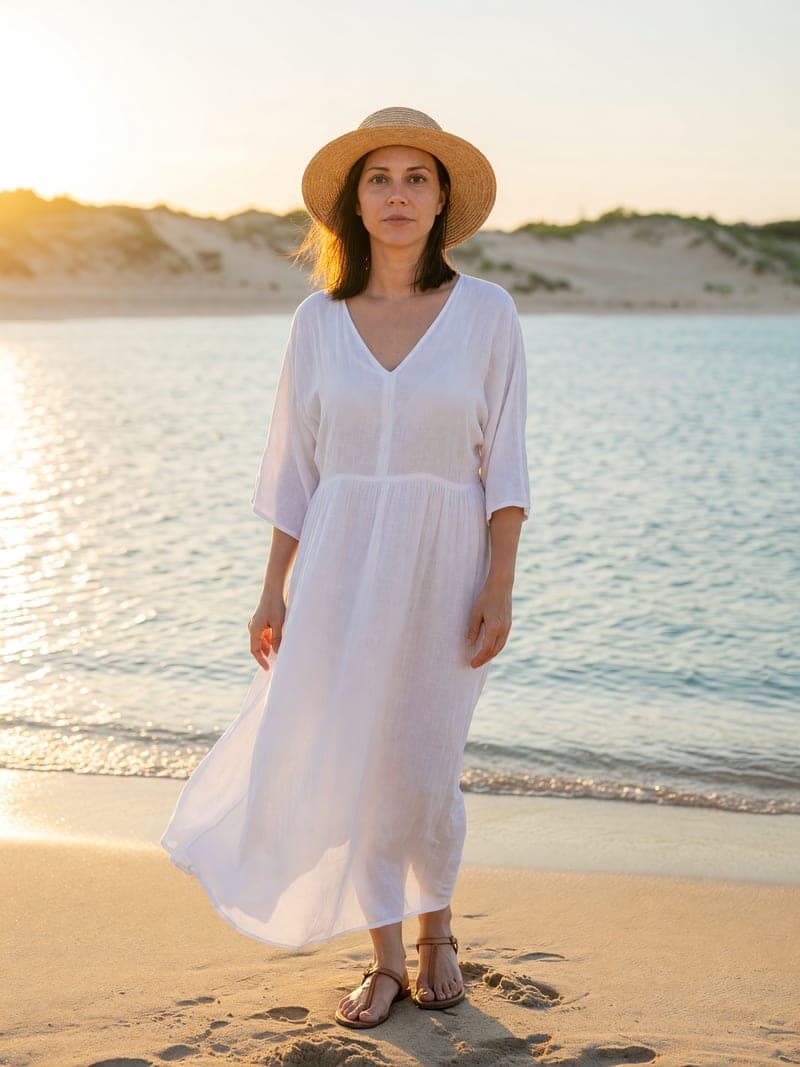
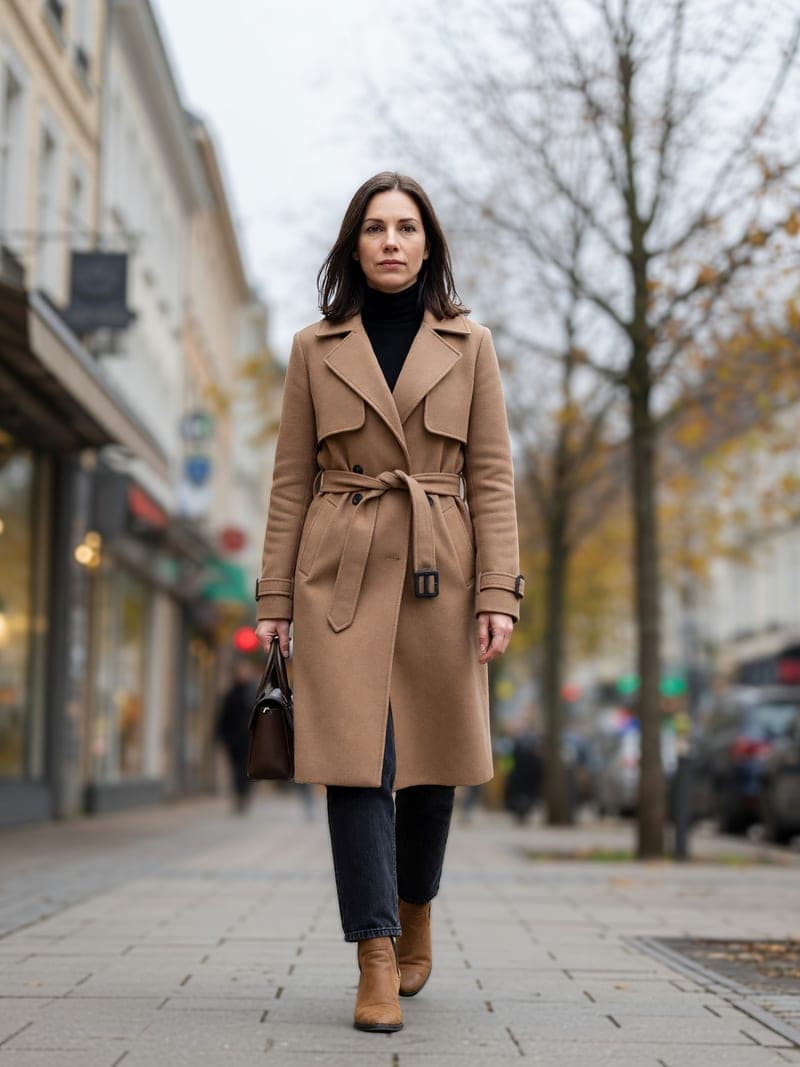
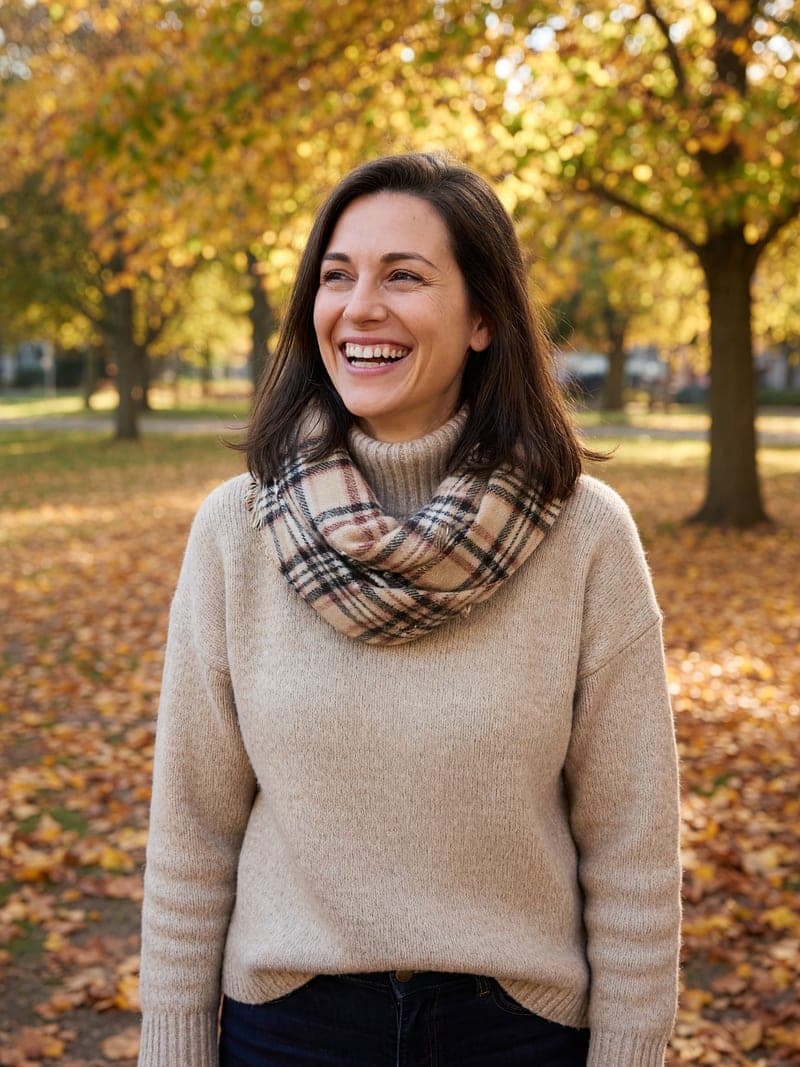
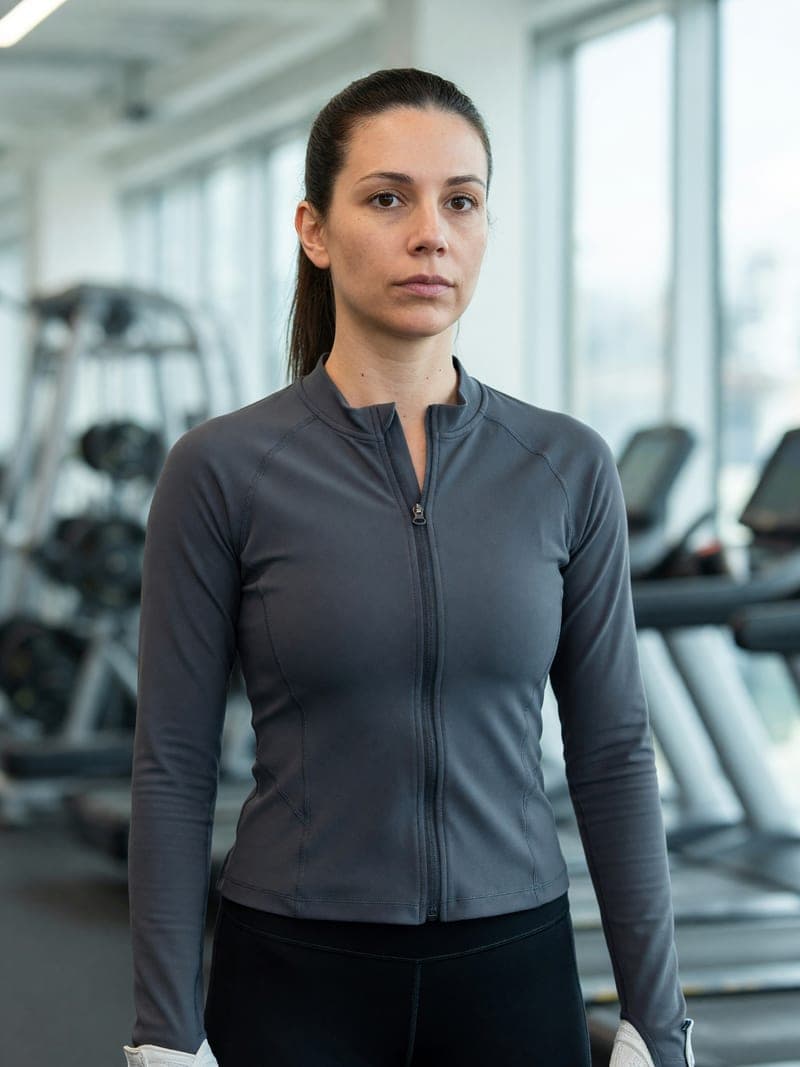
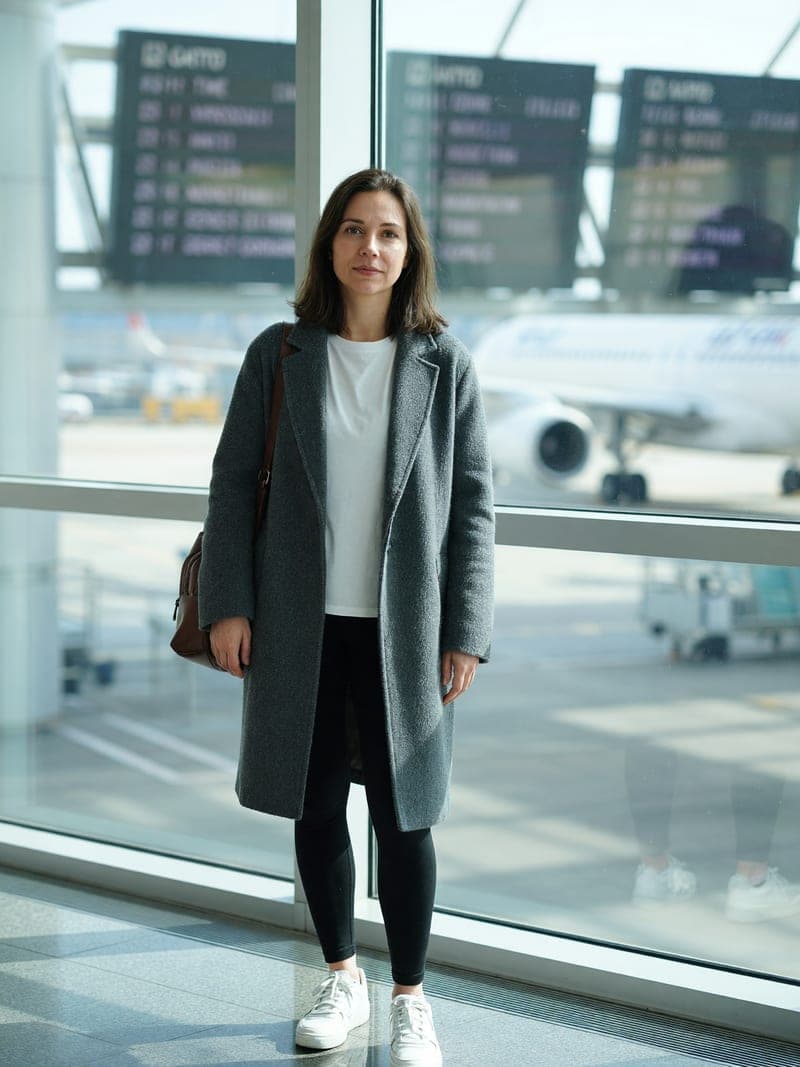
Made with Edit Photo
Real output from this tool. No stock photos.


FAQ
Questions about Edit Photo
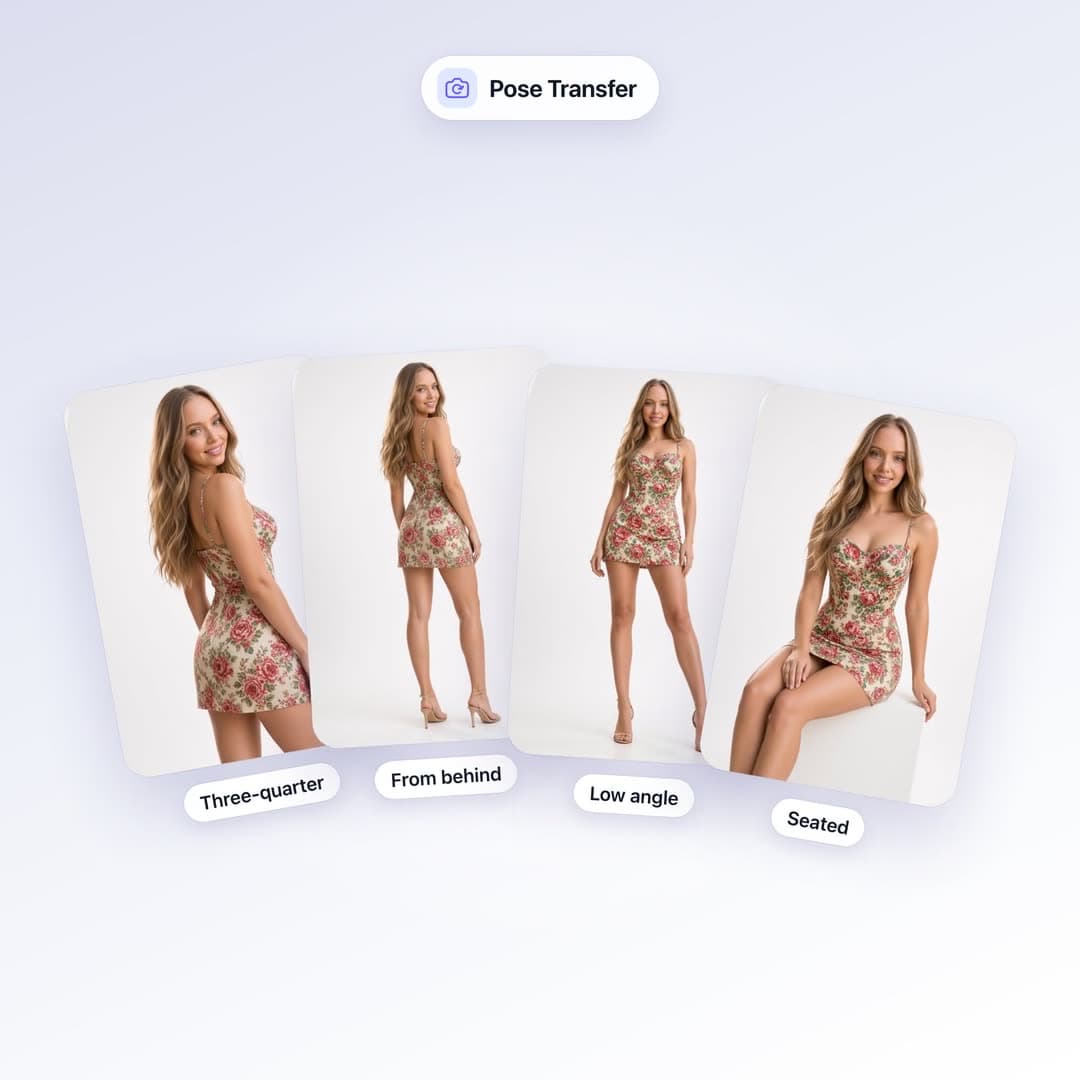
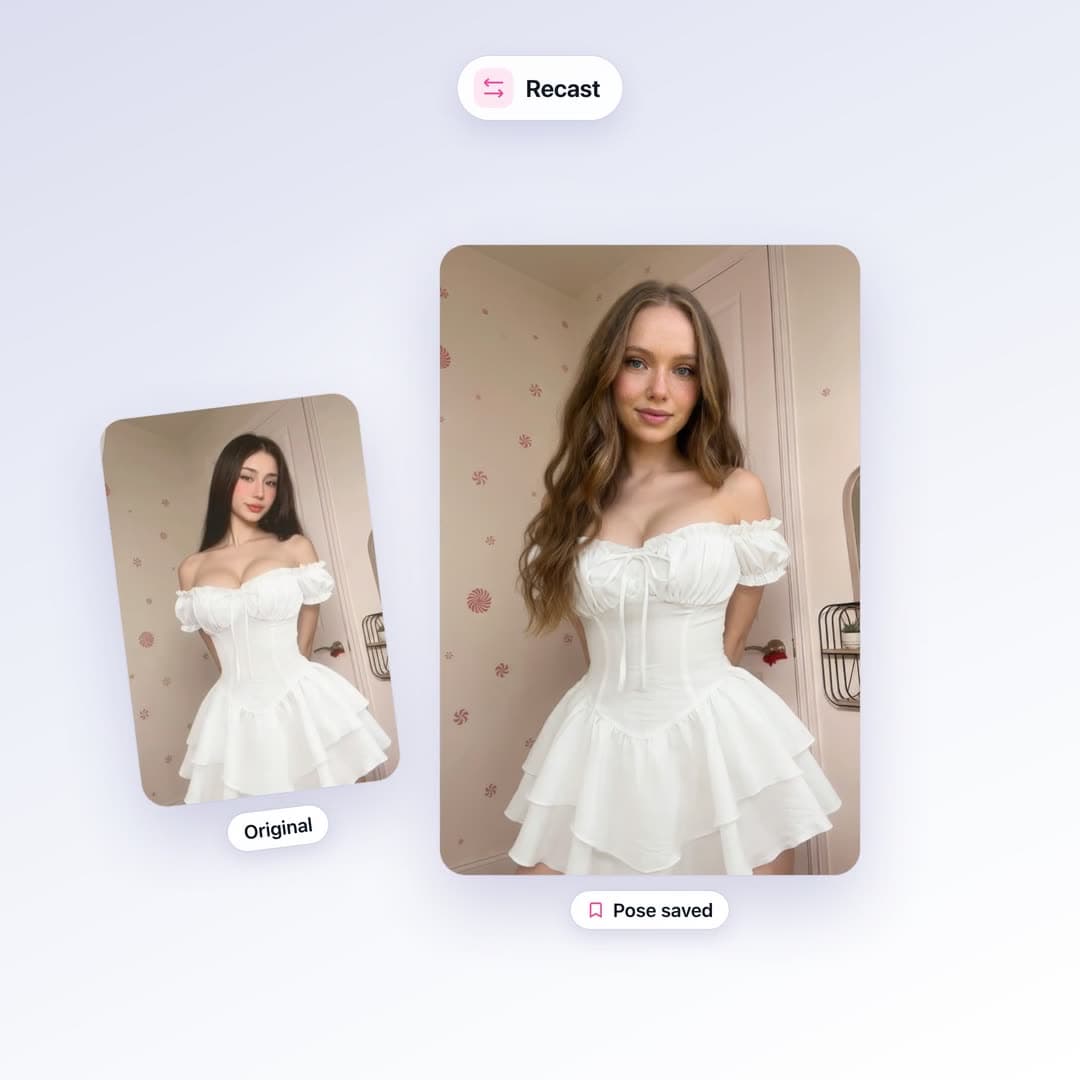
Outfit, background, lighting and mood are the reliable edits. Extreme pose changes are less consistent — use Recast for those.
Yes, up to five at once. It's the usual way to put two people in one scene, or to move a product into a new setting.
Yes. Edit photos of yourself, or original AI characters. Non-consensual edits of other real people are not allowed.
More tools
One studio, every shot
Try Edit Photo on your own photos
Plans from $10/month · Cancel anytime