
Photo to Video AI for Reels: Animate a Still in 5 Seconds (2026)
Turn a selfie or try-on still into a short Reel. Motion prompts that work, aspect ratios, and what a clip costs in credits.
PhotoStudioGen Editorial5 min read

Short video gets the watch time. Most creators do not have a videographer on Tuesday night. Image-to-video is how a still you already like becomes a 5–12 second clip.
Start from a photo, not a paragraph
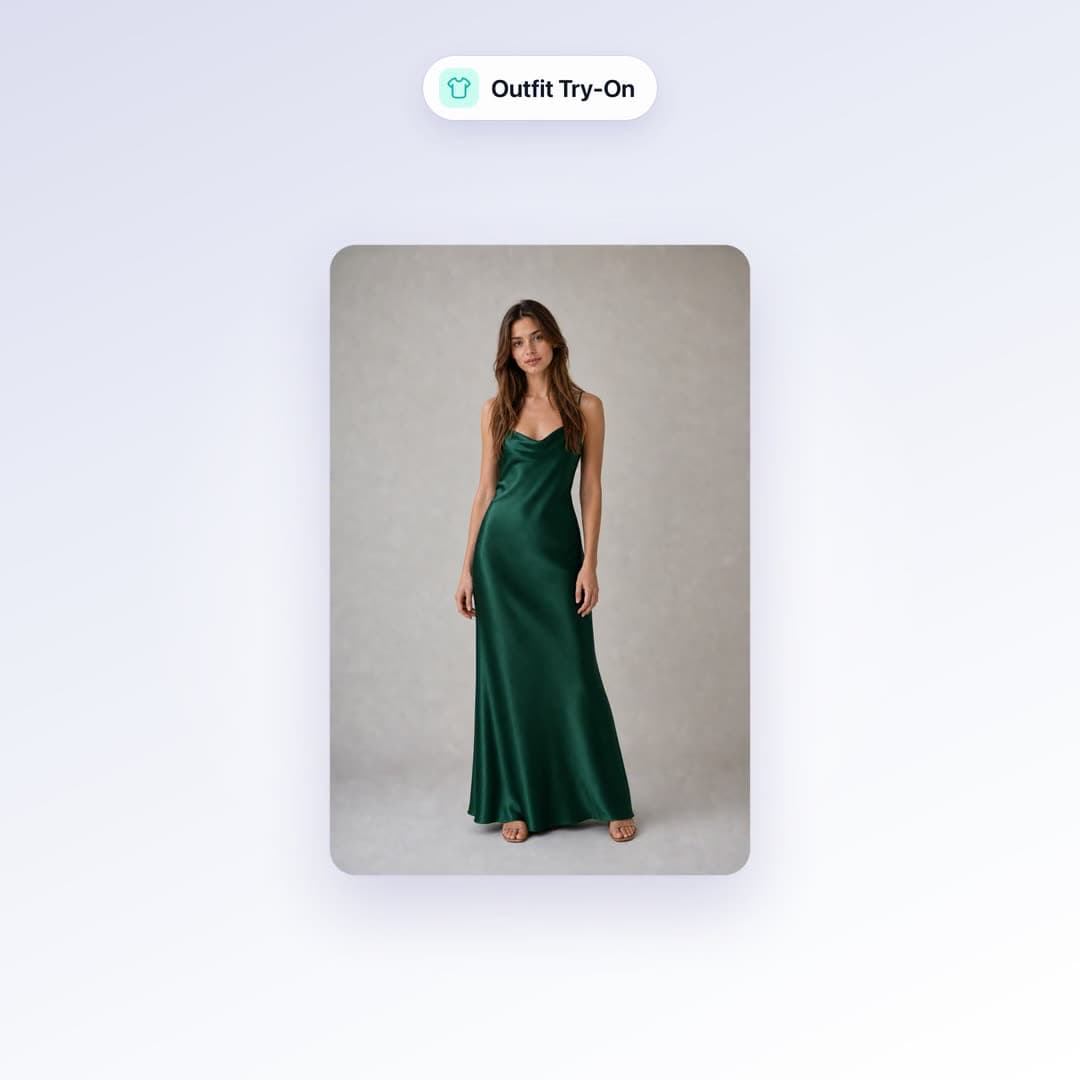
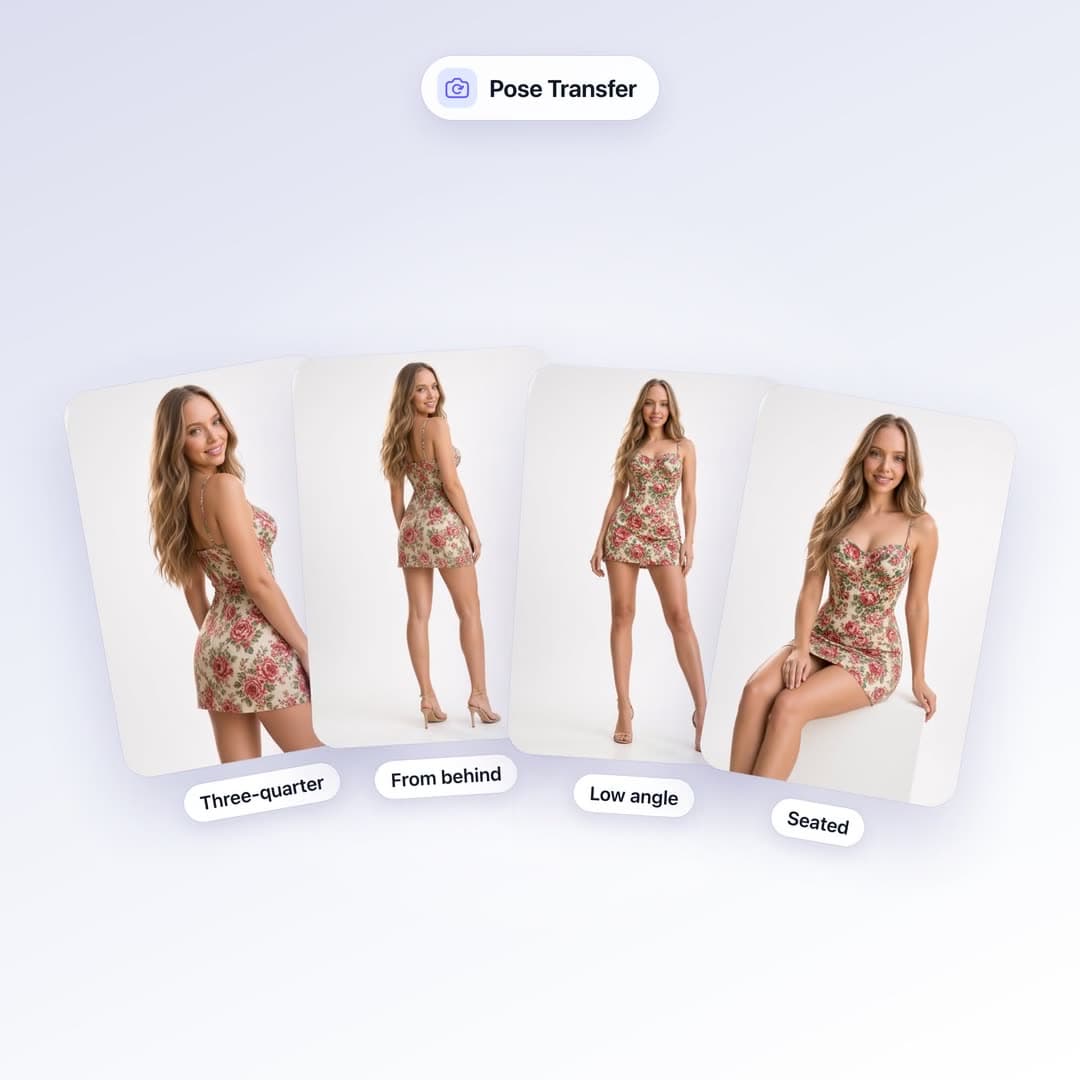
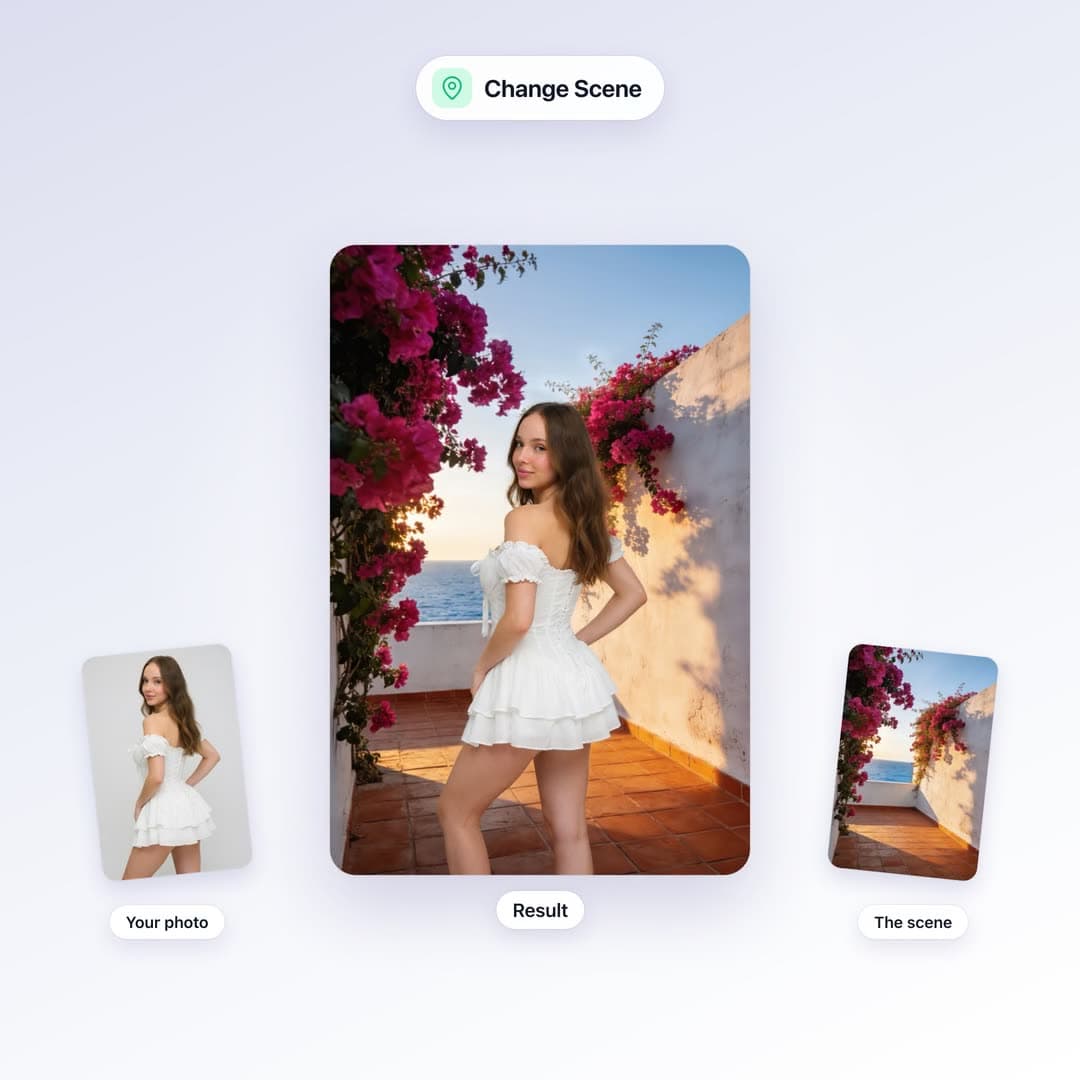
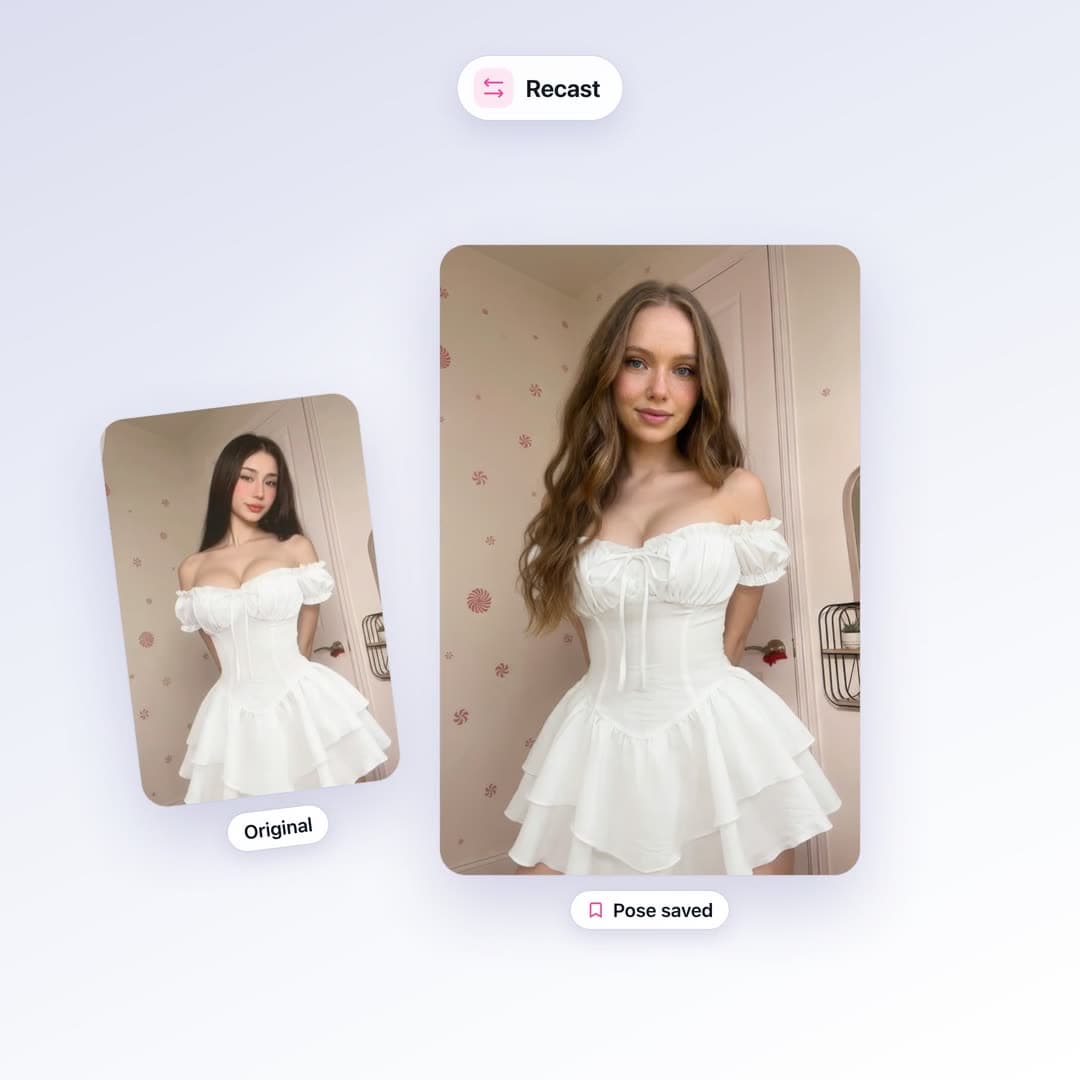
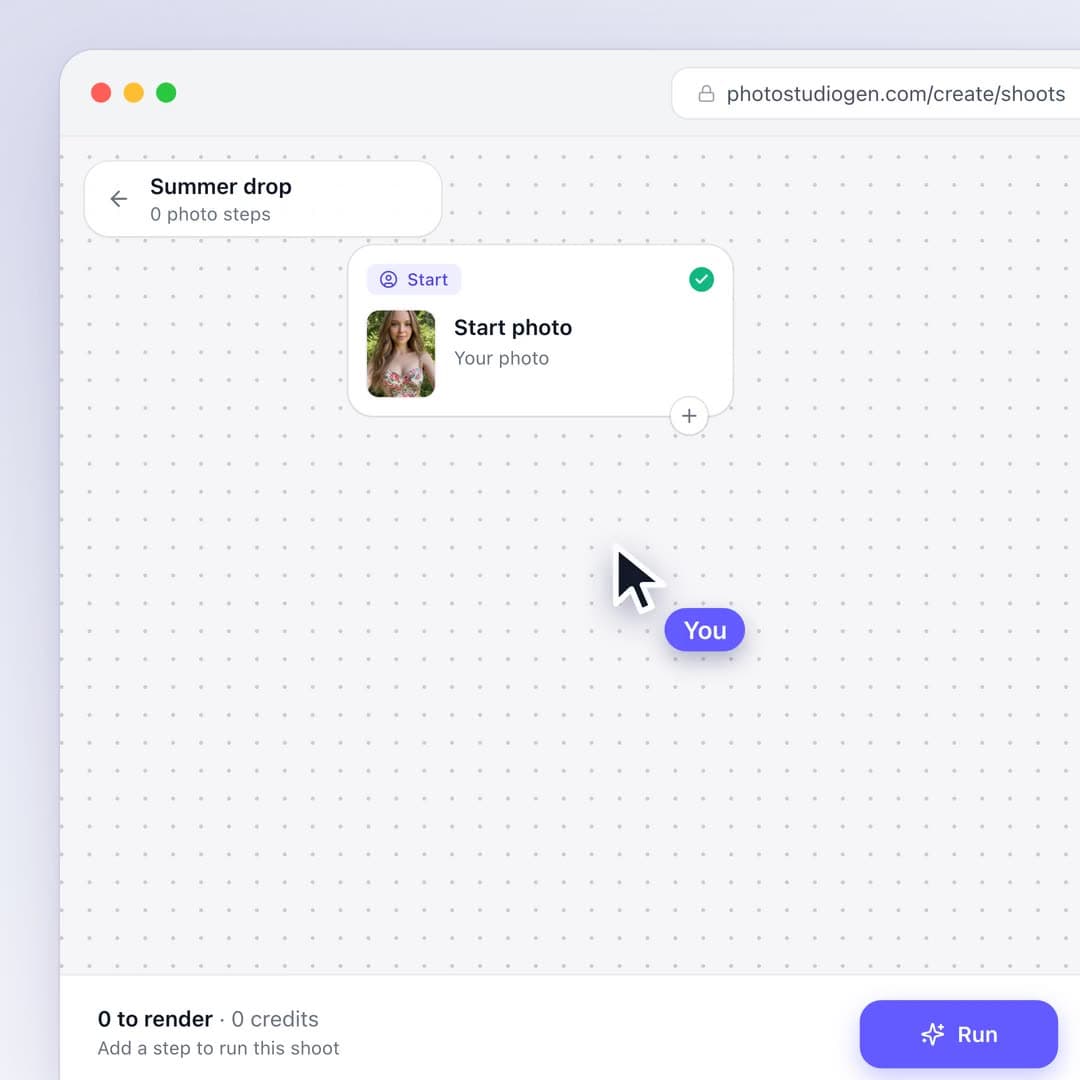
Text-to-video invents a person. Image-to-video animates the one you already have. If the still is you — a selfie, a try-on, a set photo — the clip should still be you.
Use a sharp frame. Soft, noisy, or tiny images give the model less to hold onto, and faces drift.
Motion prompts that work
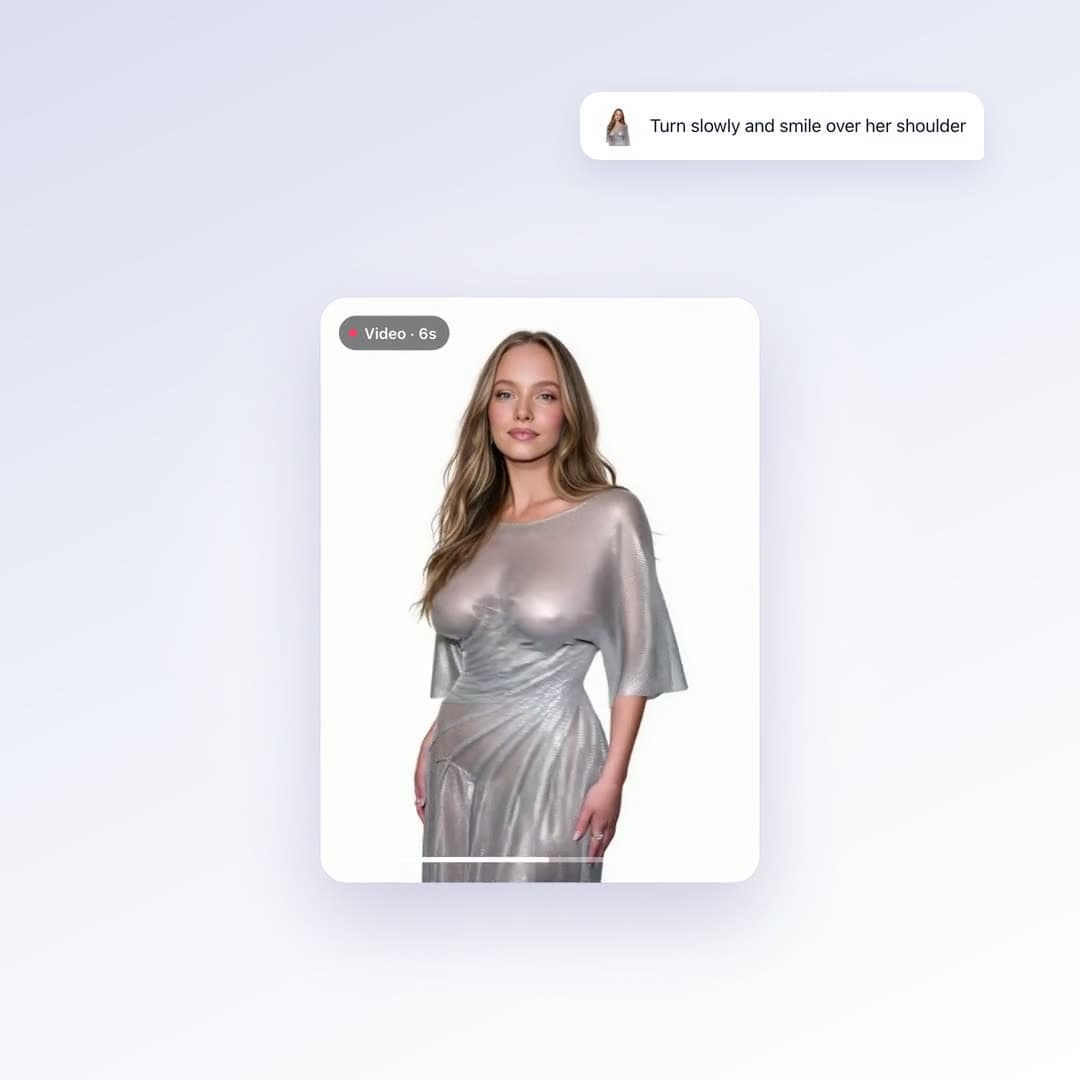
- “Slow turn toward camera, natural blink, hair moving.”
- “Weight shift, slight smile, handheld feel, still background.”
- “Walk two steps, look back, fabric moving.”
Do not write a screenplay. The photo is the scene. The prompt is the camera and the body.
What a Reel costs here
Video is 7–14 credits per second depending on resolution. The $1 starter pack (75 credits) is enough to see the motion quality before you buy a plan.
Pick 9:16 if the destination is Reels or TikTok. The output follows the first frame — crop the photo first if the ratio is wrong.