
Edit Your Own Photos With AI — Without Losing Your Face (2026)
A practical AI photo editor workflow: one selfie, specific prompts, identity lock, and when to stop asking for a new pose.
PhotoStudioGen Editorial5 min read
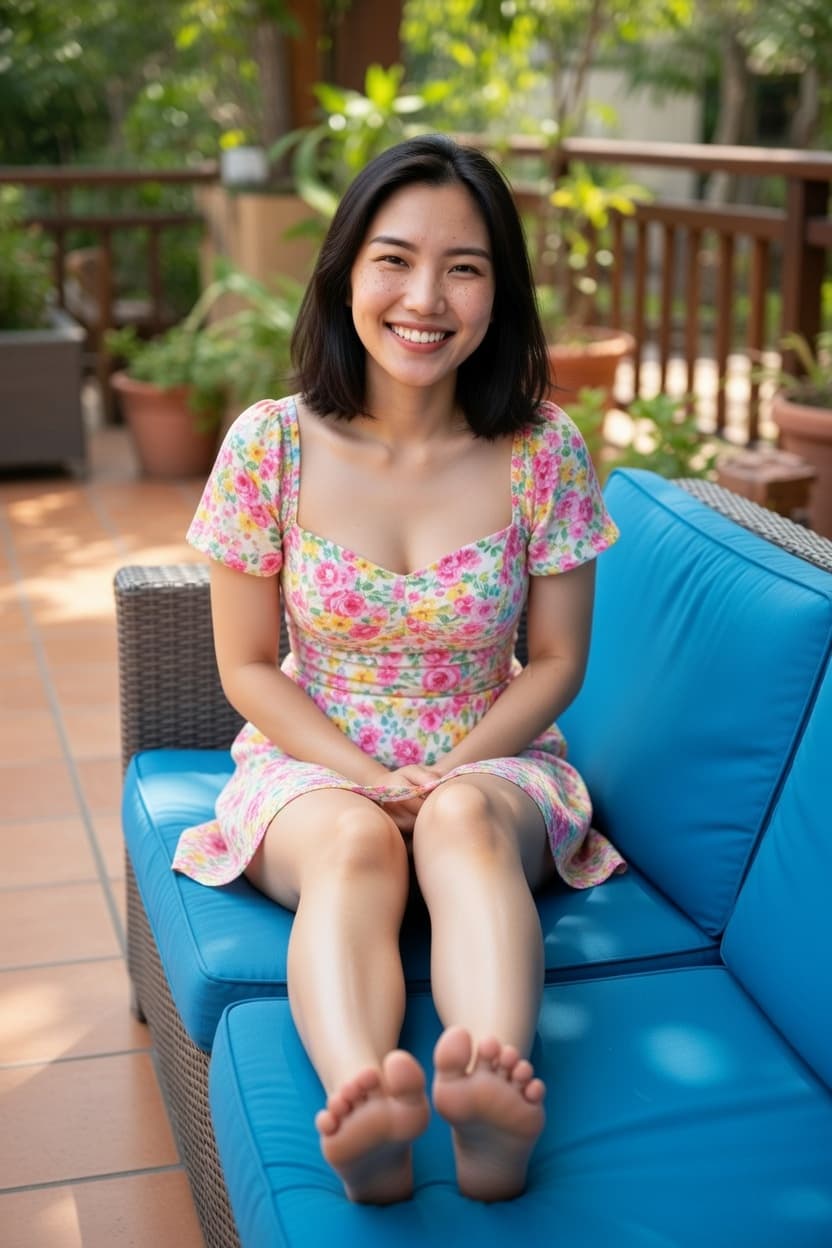
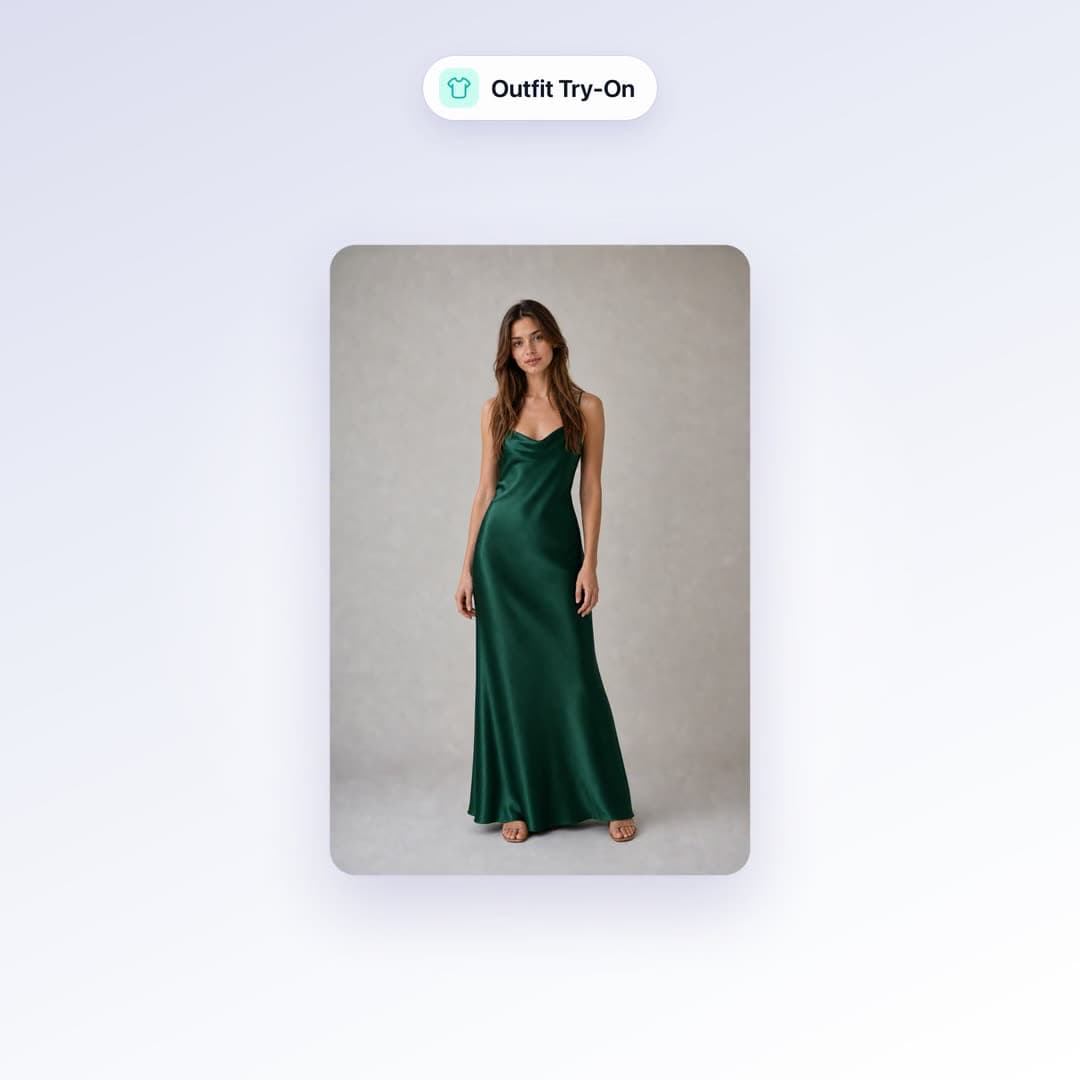
An AI photo editor should change what you asked for and leave the rest. Outfit, background, light — not a new face.
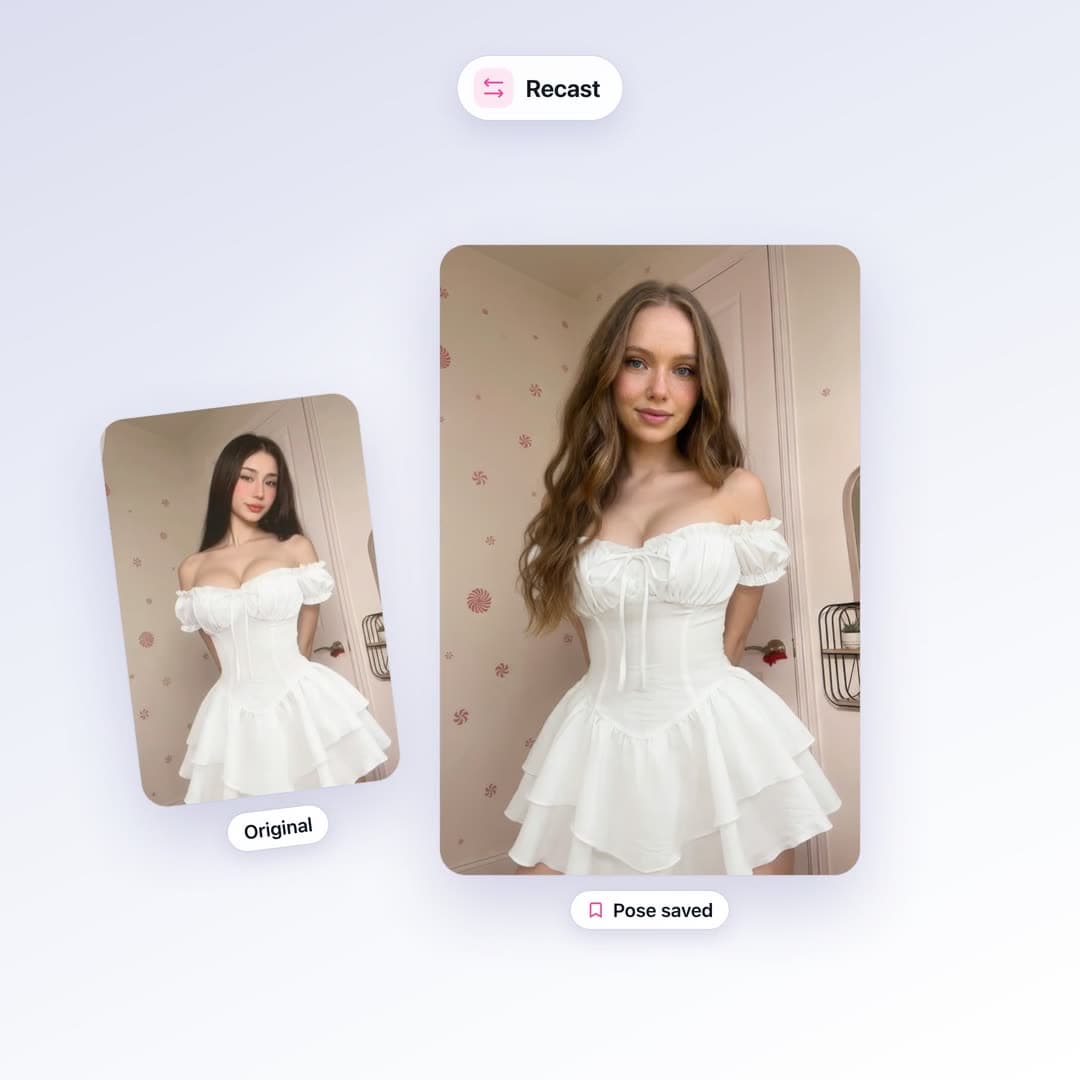
That only works if the input is a photo of you and the prompt is specific. “Make it better” is how you get a stranger.
Edits that hold likeness
- Swap a hoodie for a blazer. Keep the pose.
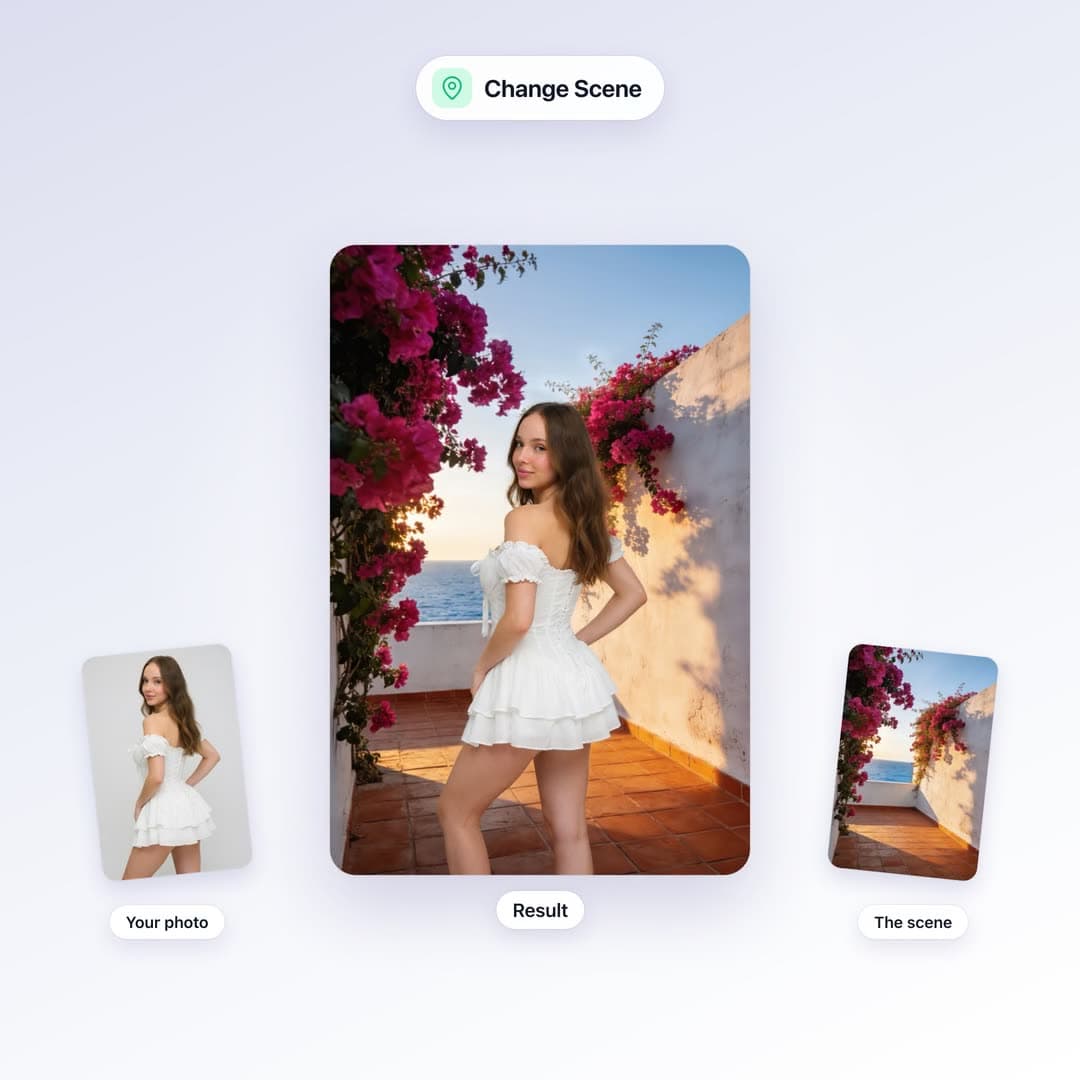
- Move a bedroom selfie onto a studio sweep.
- Warm the light. Clean the background. Do not rewrite the face.
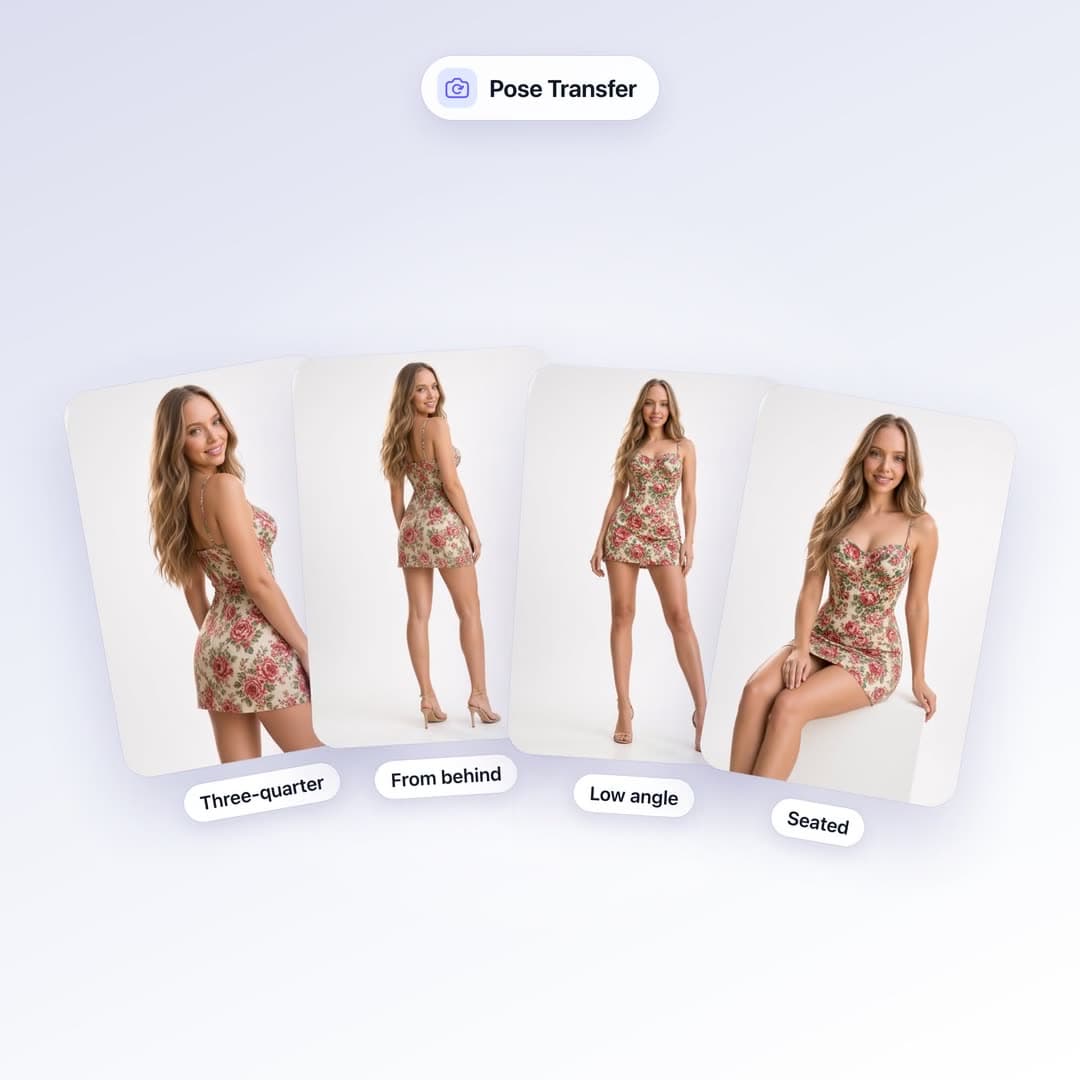
Big pose changes (“now she’s jumping”) fight the source image. Wardrobe and setting do not.
How to run it
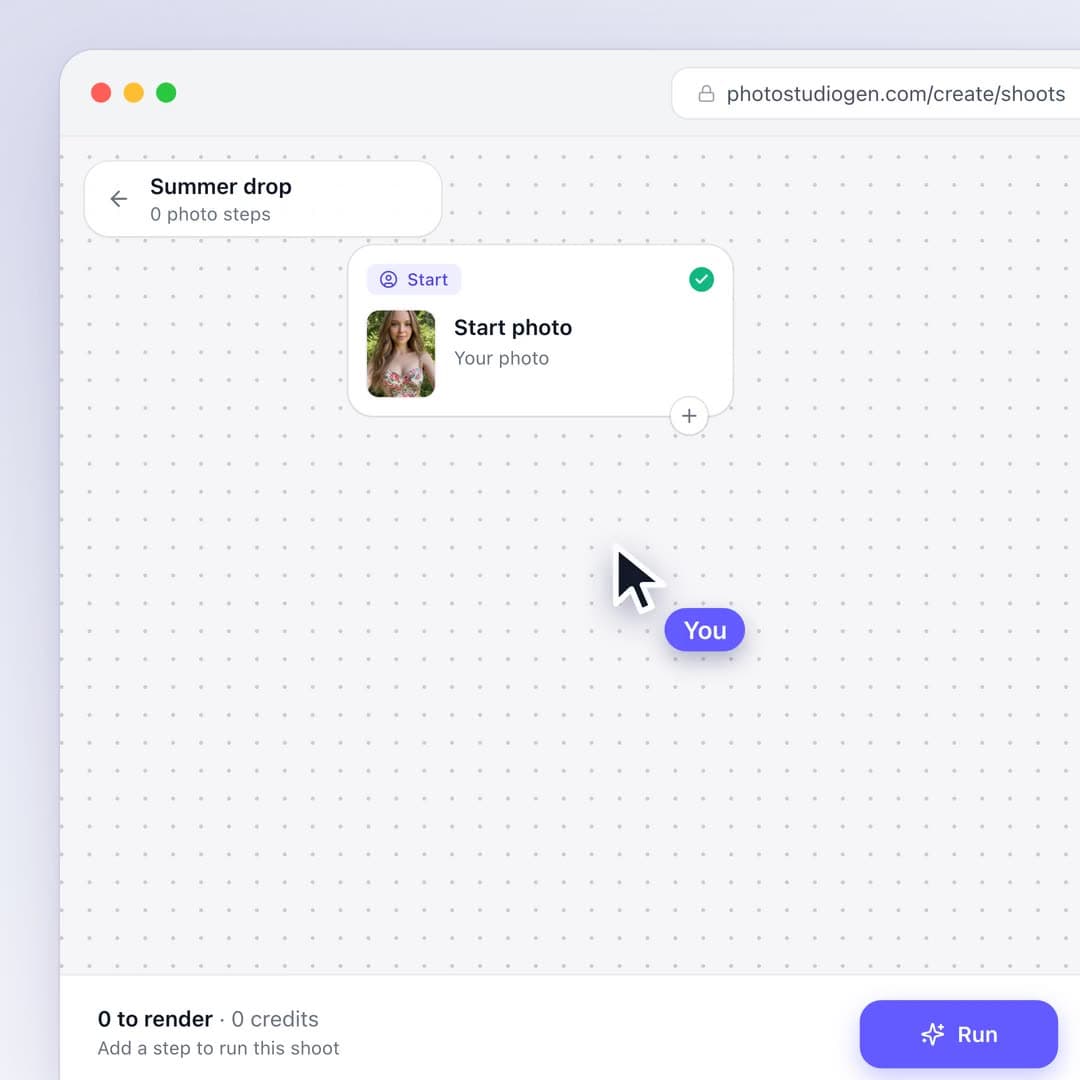
Open the AI photo editor, upload a sharp photo of you, and write one change. If you need a set, run the same photo five times with five outfits — that is faster than a reshoot.
Most edits are 5 credits. 75 credits for $1 is the first purchase.
Your photos, not theirs
This editor is for your likeness and for original AI characters. It is not a tool for editing other people without consent. We refuse that work on purpose.